Chat with Firstmate
1 of 20
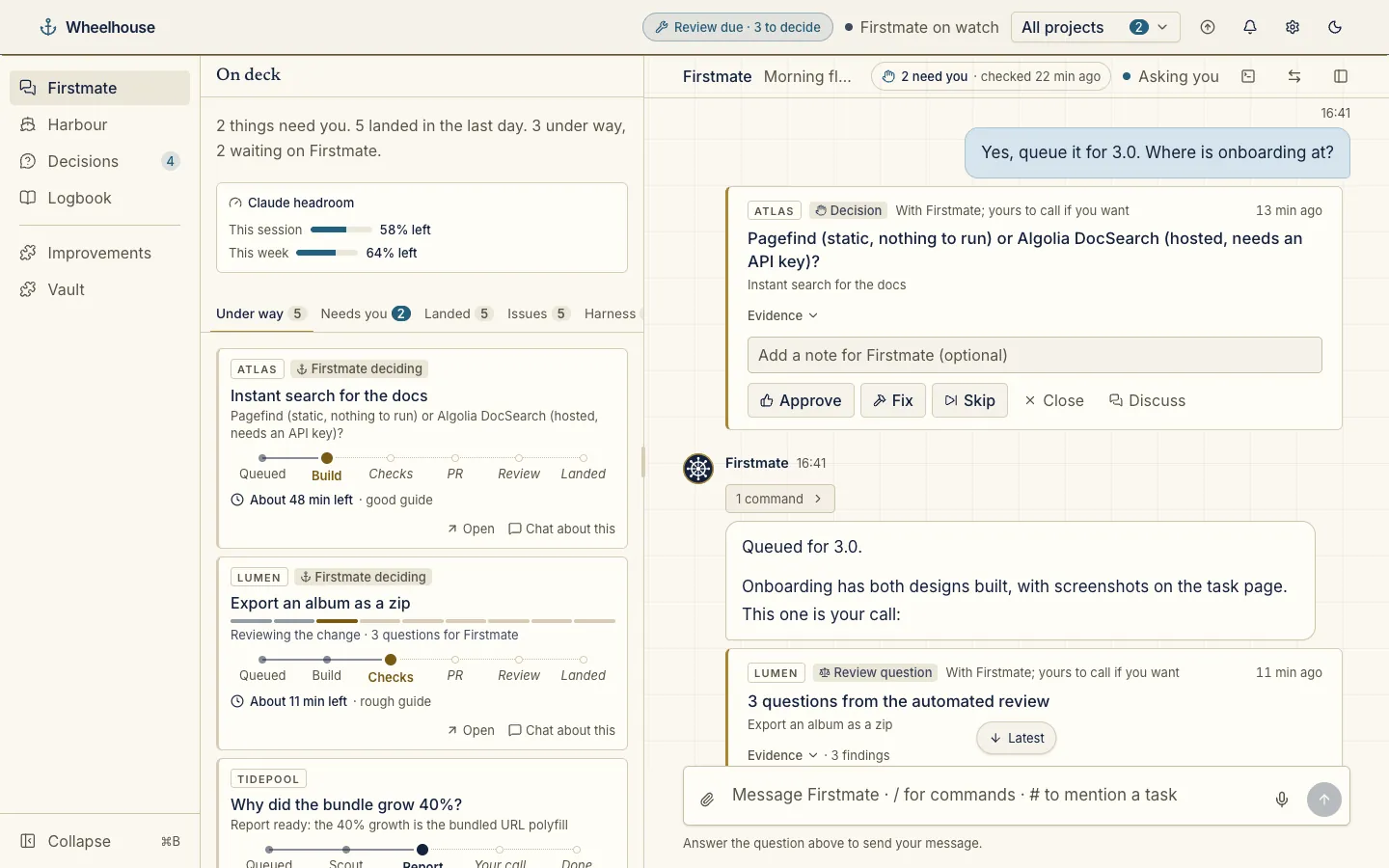
Talk to Firstmate like a teammate. Chat, answer with buttons, mention tasks with #, run commands with /, or just dictate. On deck, beside it, shows what each of your crew is doing.
Wheelhouse is one calm page on your own machine to talk to Firstmate, see what your crew is doing, and review real results.
npm i -g @chrisjowen/wheelhouse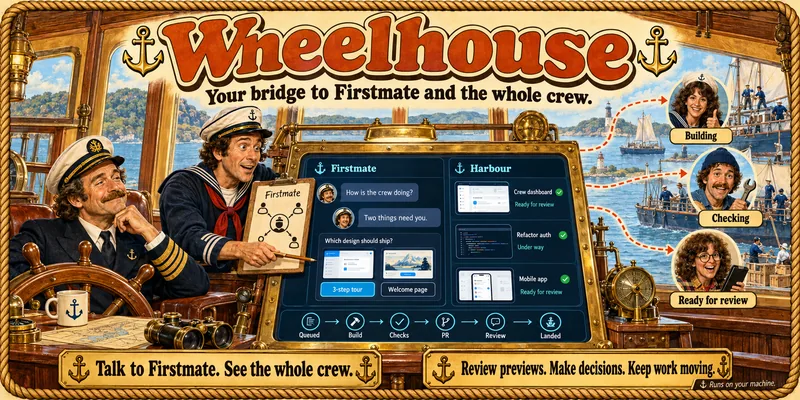
Under two minutes on the chat, decisions, the Harbour, a project, a task, PR review and plugins. Pick a chapter to jump to it. In Wheelhouse, Help in the header brings the tour back.
Each page reads what Firstmate and its crew already record, and says so when something is unknown rather than guessing. Screenshots show a demo crew working on made-up projects.
Talk to Firstmate like a teammate. Chat, answer with buttons, mention tasks with #, run commands with /, or just dictate. On deck, beside it, shows what each of your crew is doing.
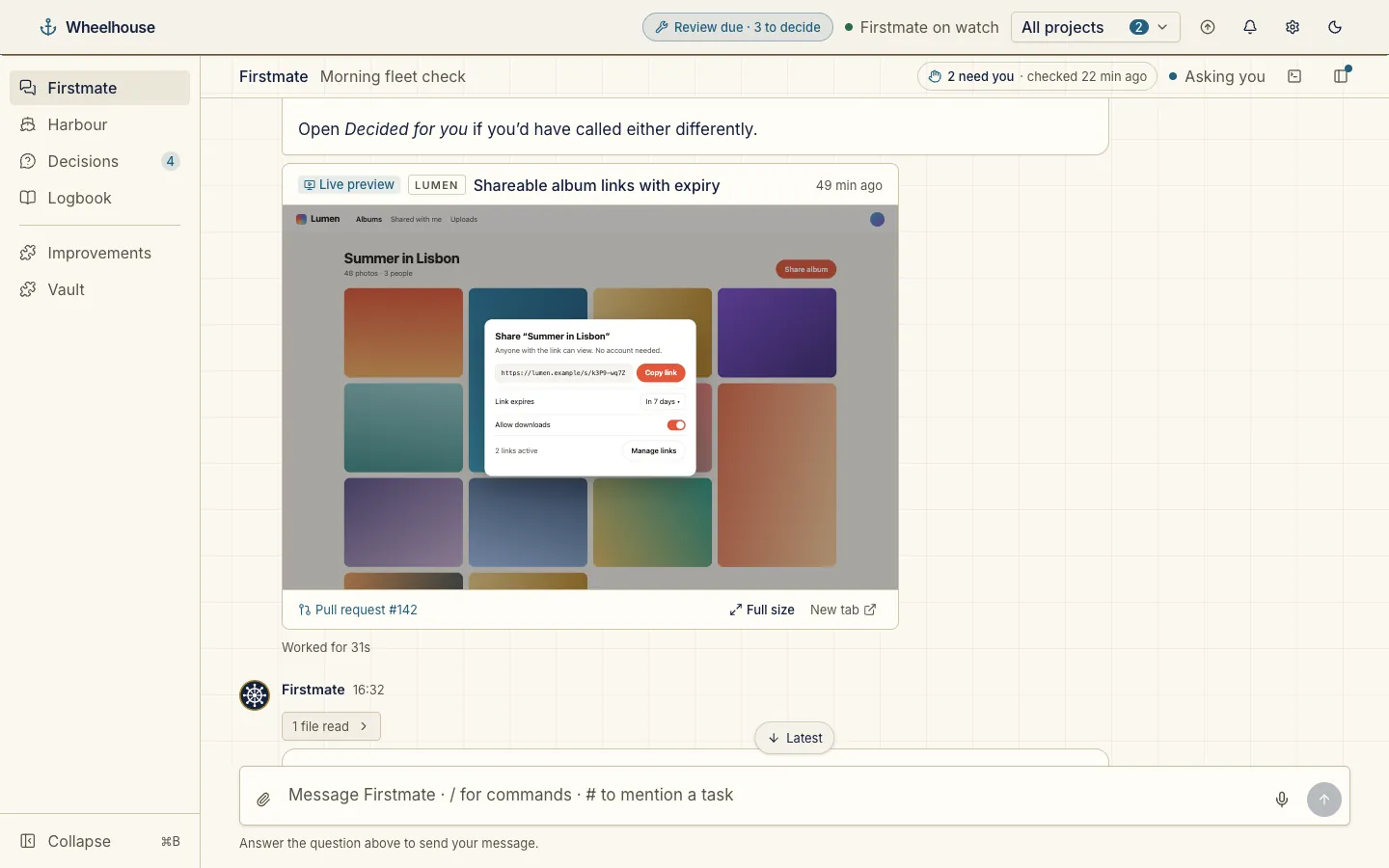
When a reply is about a task with a running app, its live preview shows as a card underneath: the page itself, the pull request and its checks, and a full-size view.
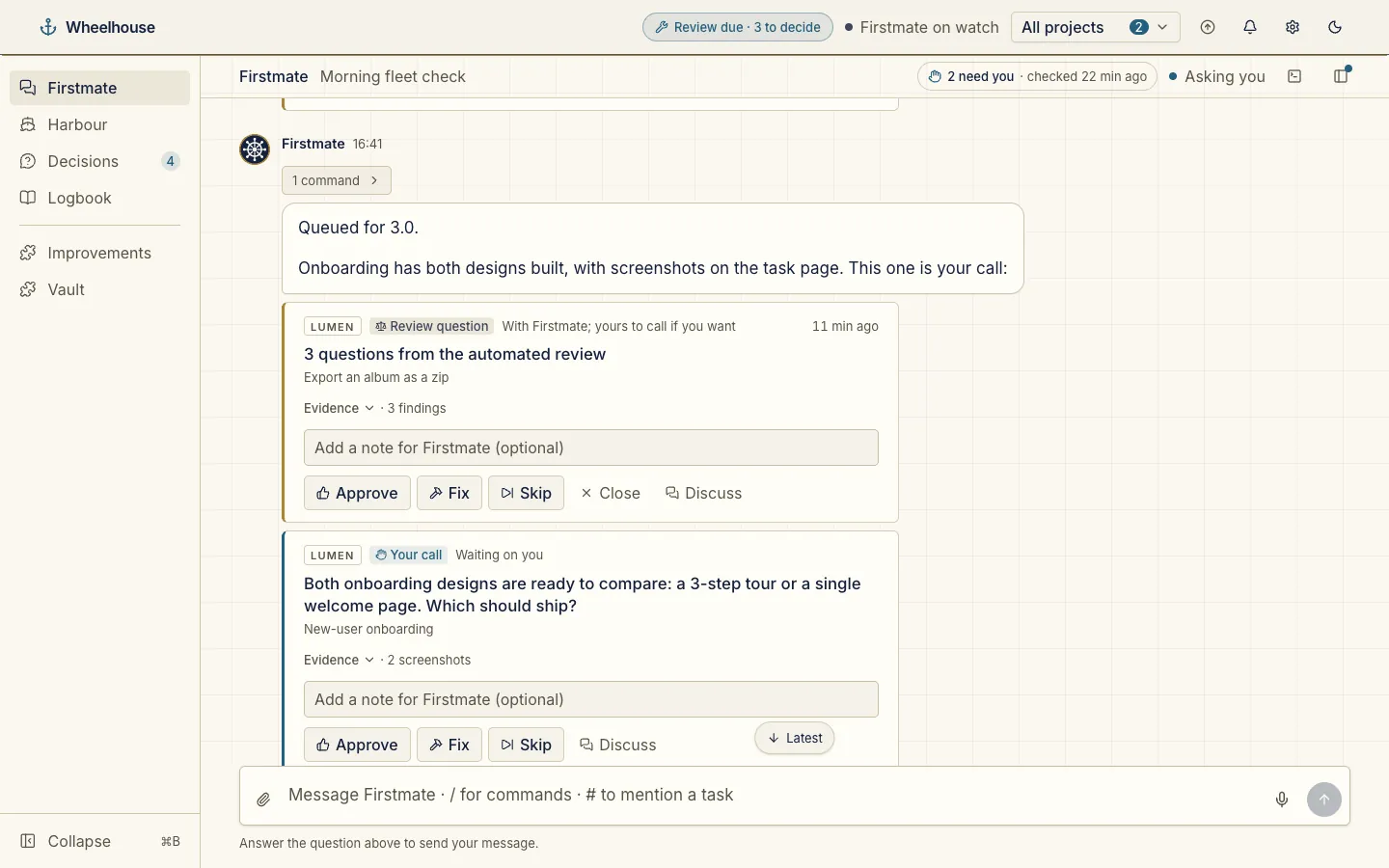
Every open decision shows as a card in the chat, answered in place. When a question lists options, the card shows them as choices with the recommended one picked.
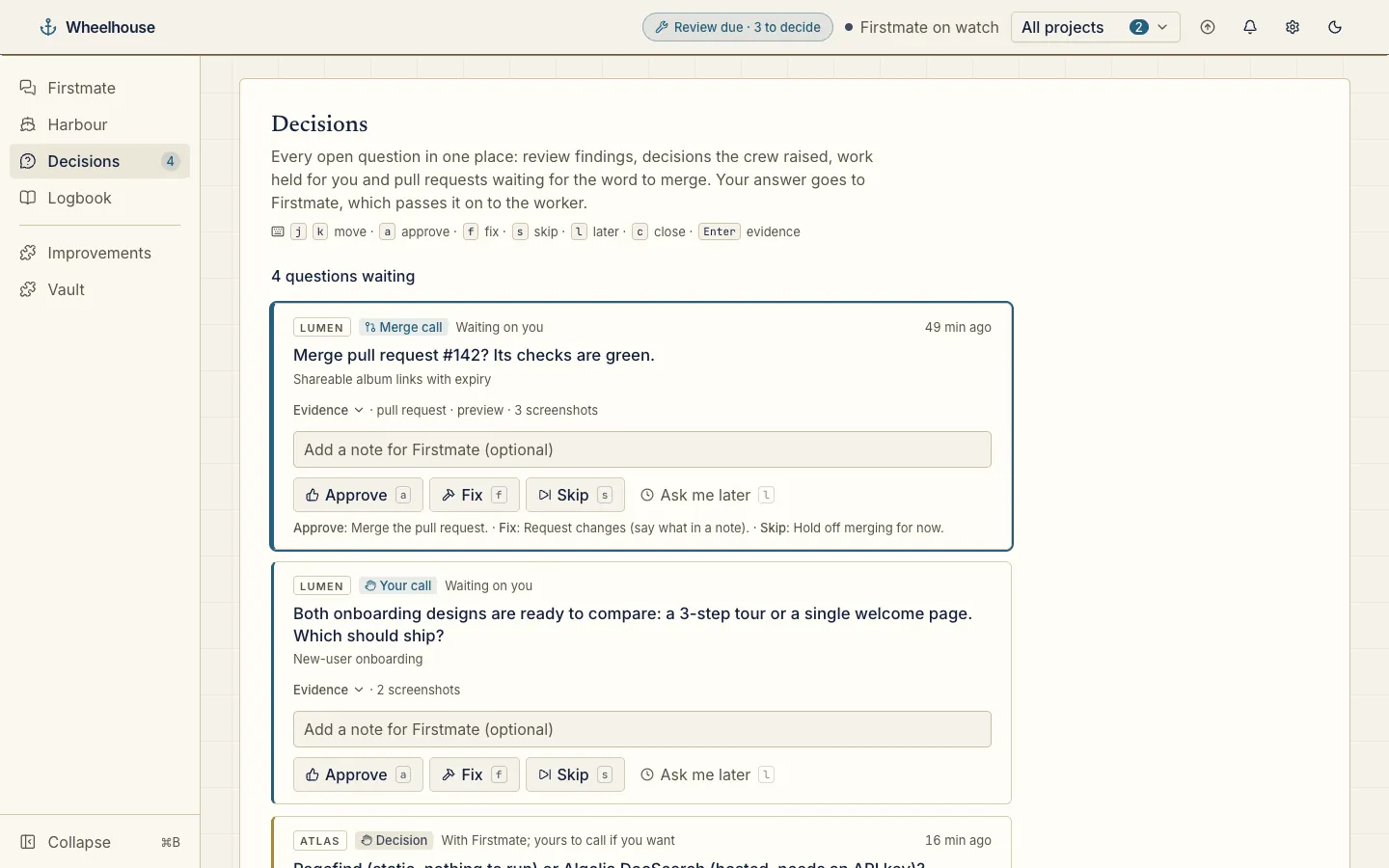
Every open question in one stack, answered in one tap: Approve, Fix, Skip or Ask me later, with keyboard shortcuts.
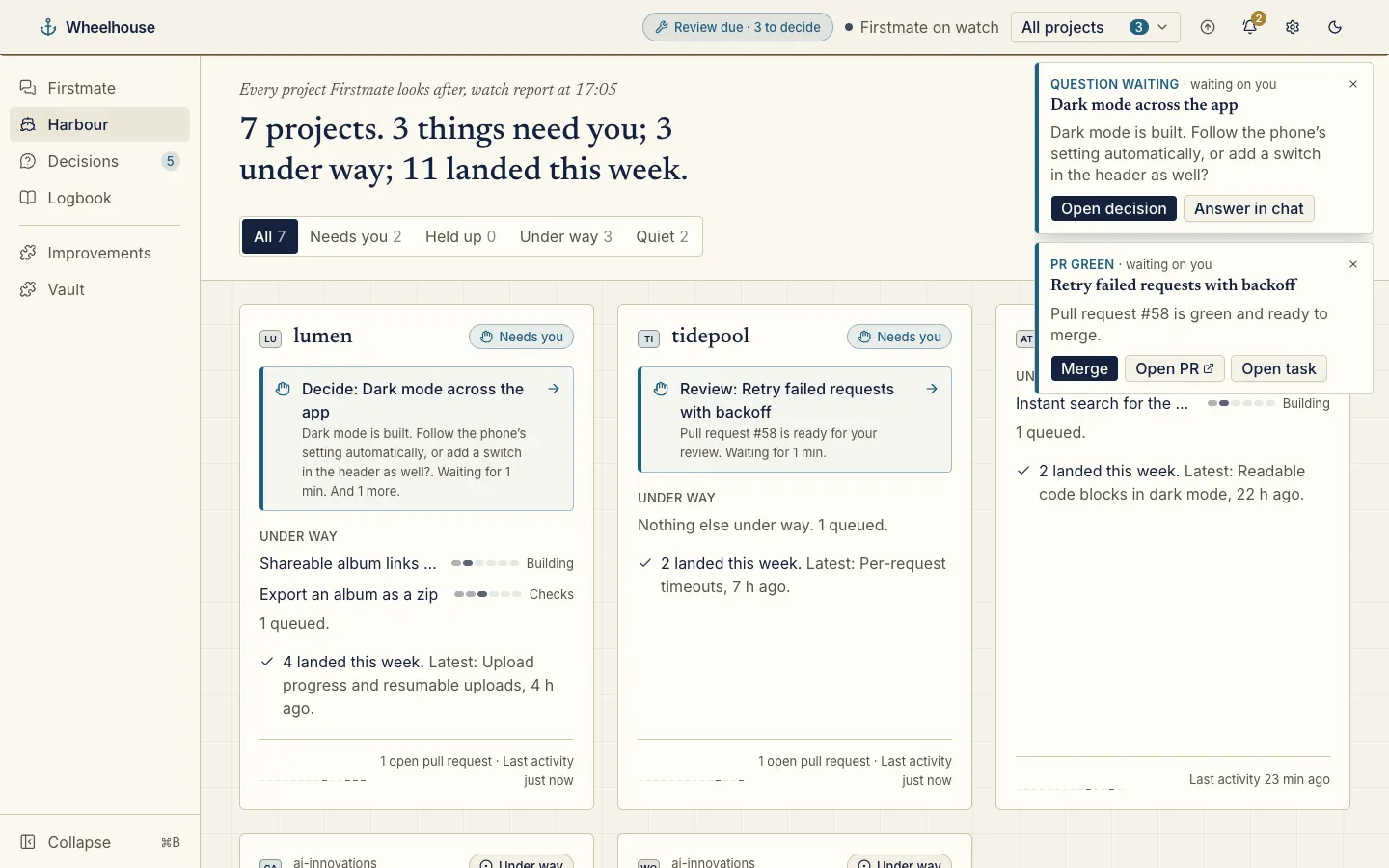
Rings for green pull requests, questions, stuck workers and landed merges, each with a one-click answer.
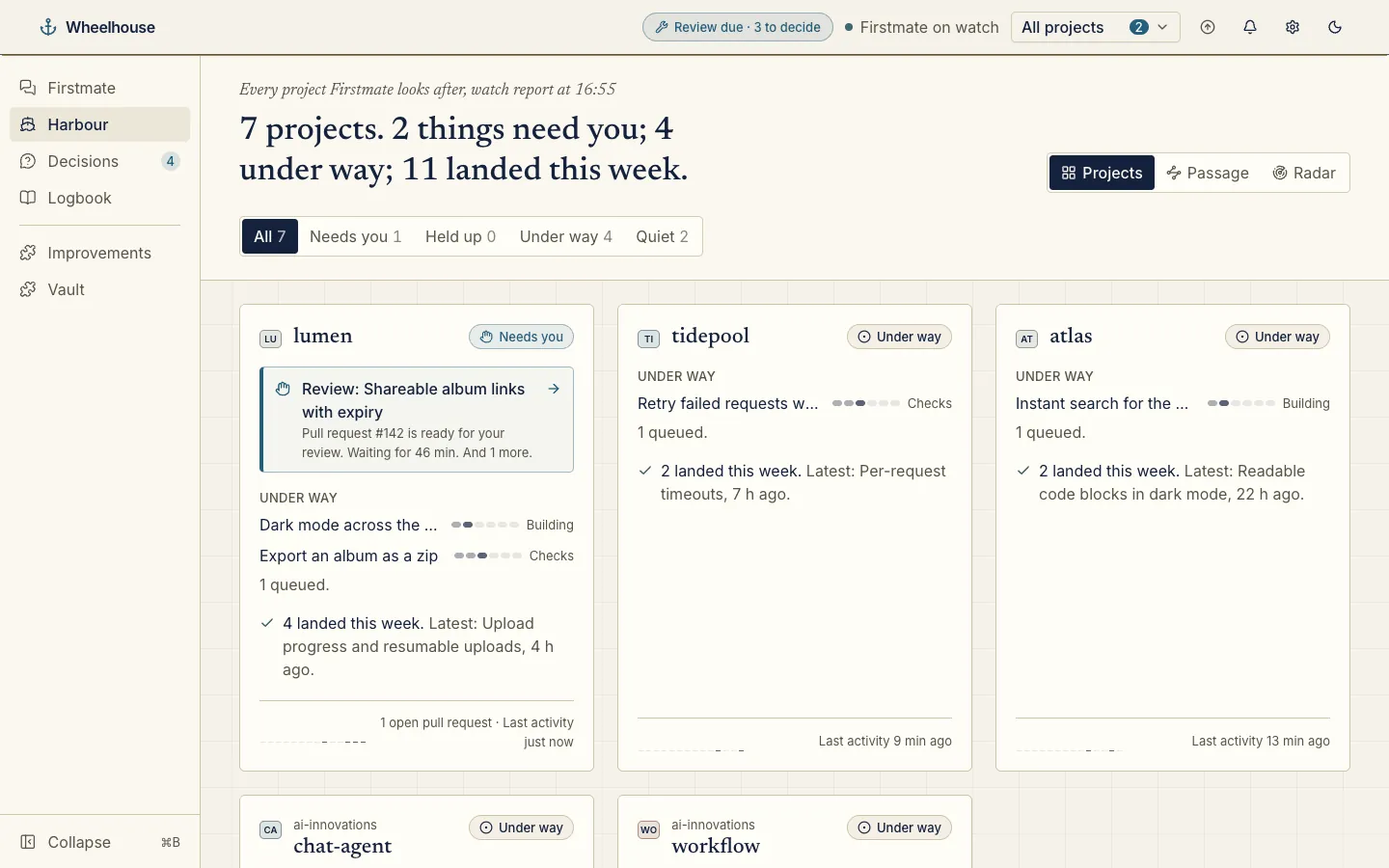
Every project at a glance: a card each, the one that needs you first, what waits on you, the work under way and its step, and what landed this week.
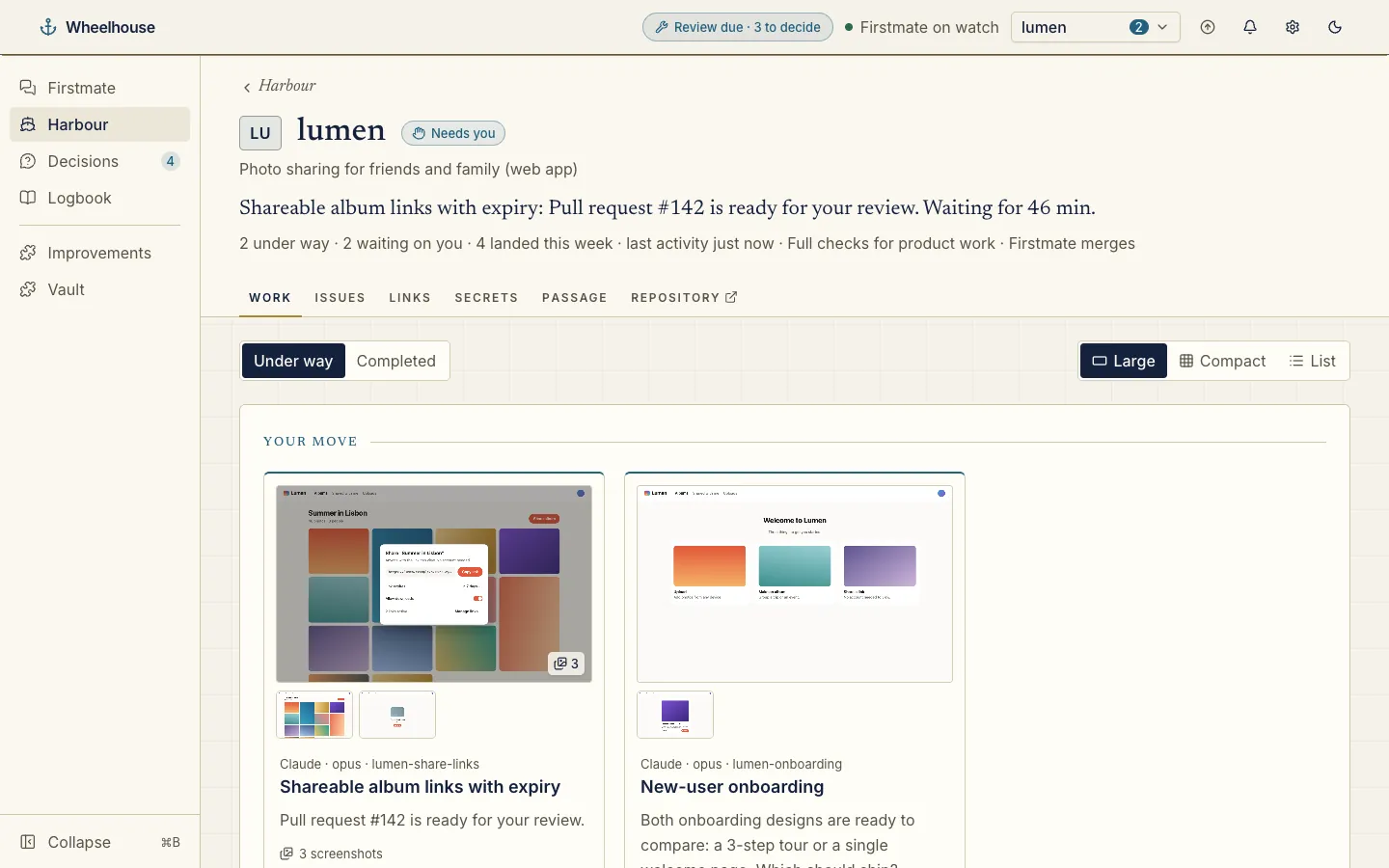
Each project has its own page: a banner with what needs you, and tabs for its work, issues, links, secrets, passage and any plugin that adds one.
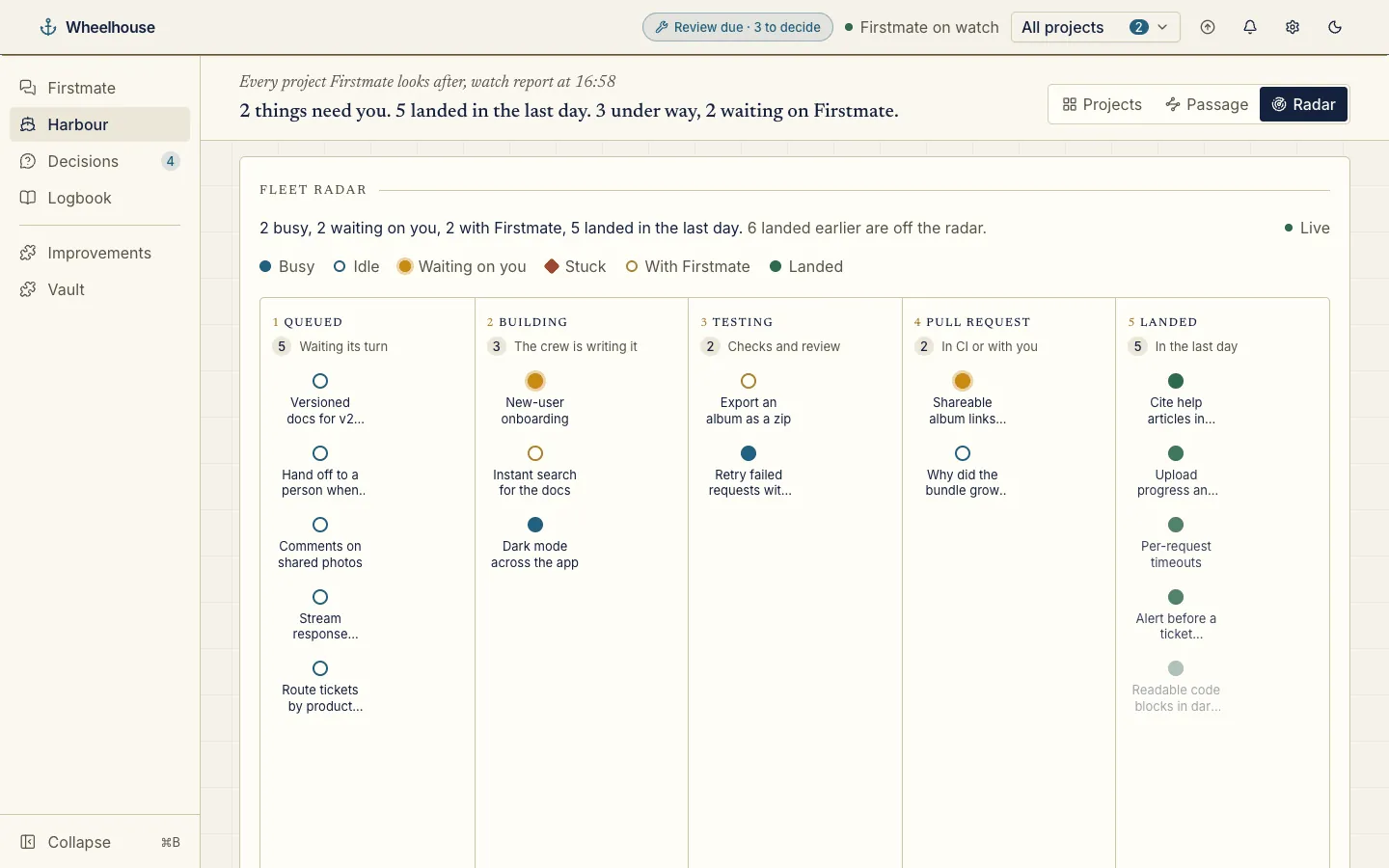
Watch the whole fleet flow from Queued through Building, Testing and Pull request to Landed, live.
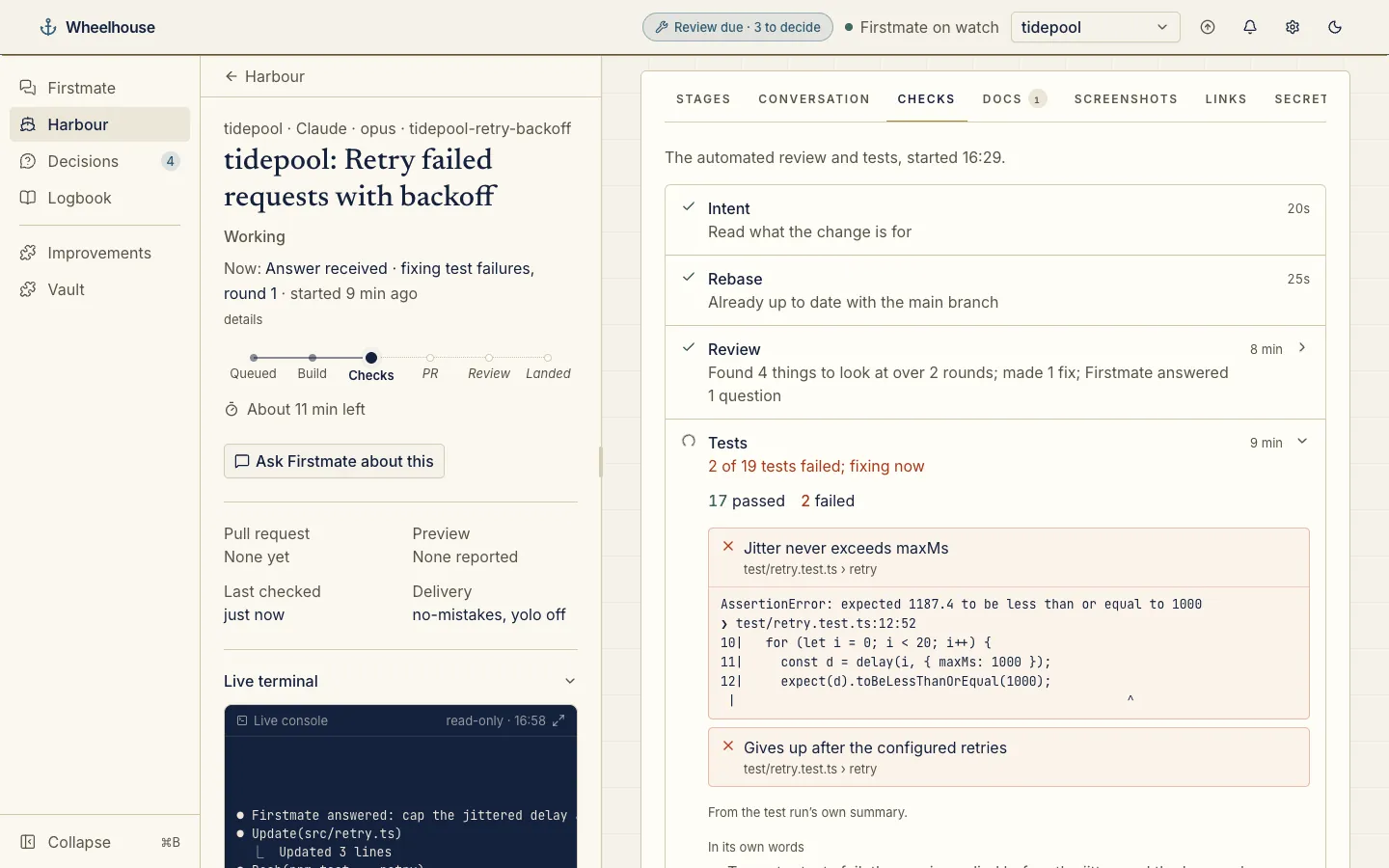
Every check, file, pull request and log for a task in one place, step by step, with the failing tests’ output where it matters and a live console for its worker.
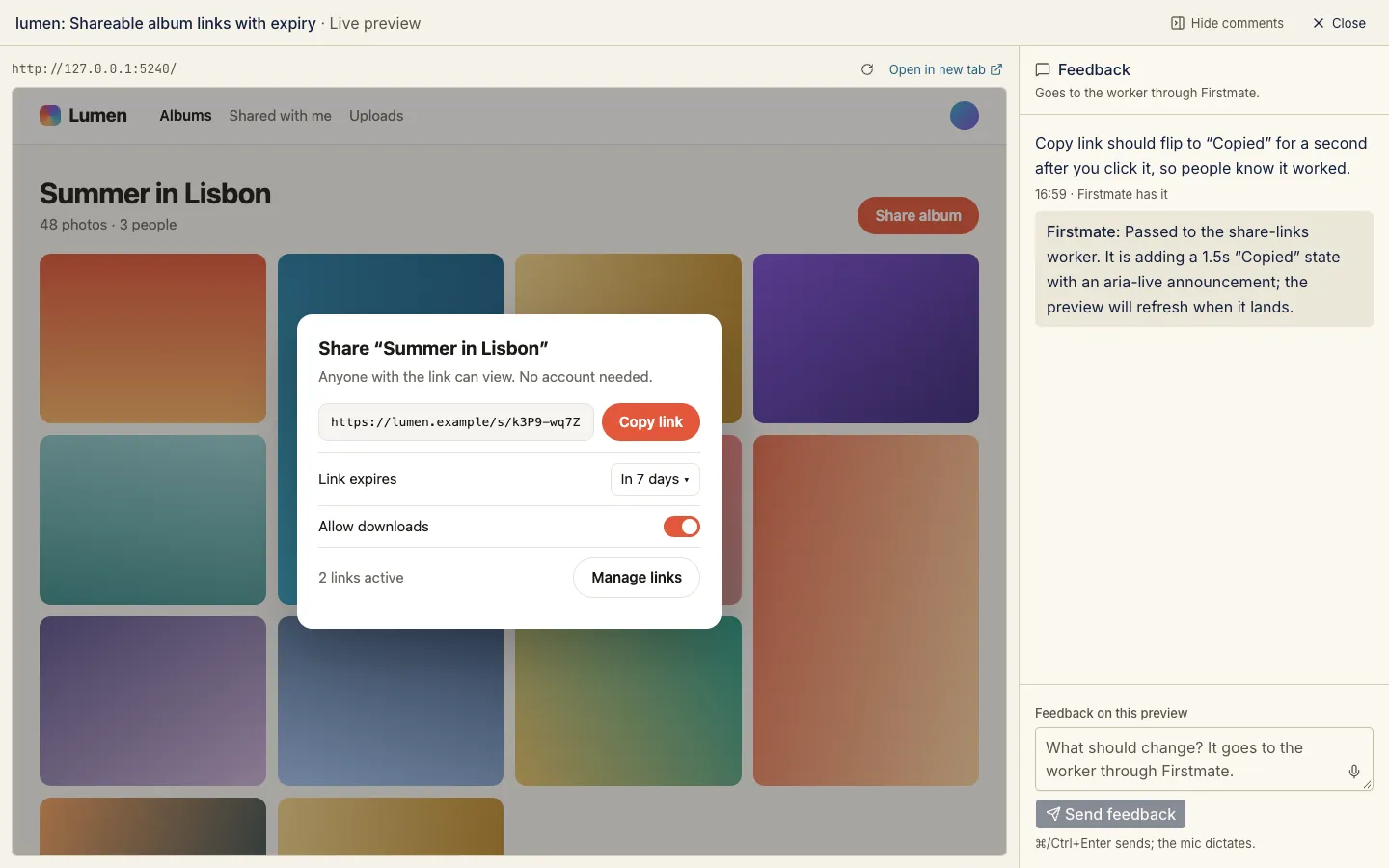
Click around the real app under review and send feedback straight to the worker, with Firstmate’s reply beside it.
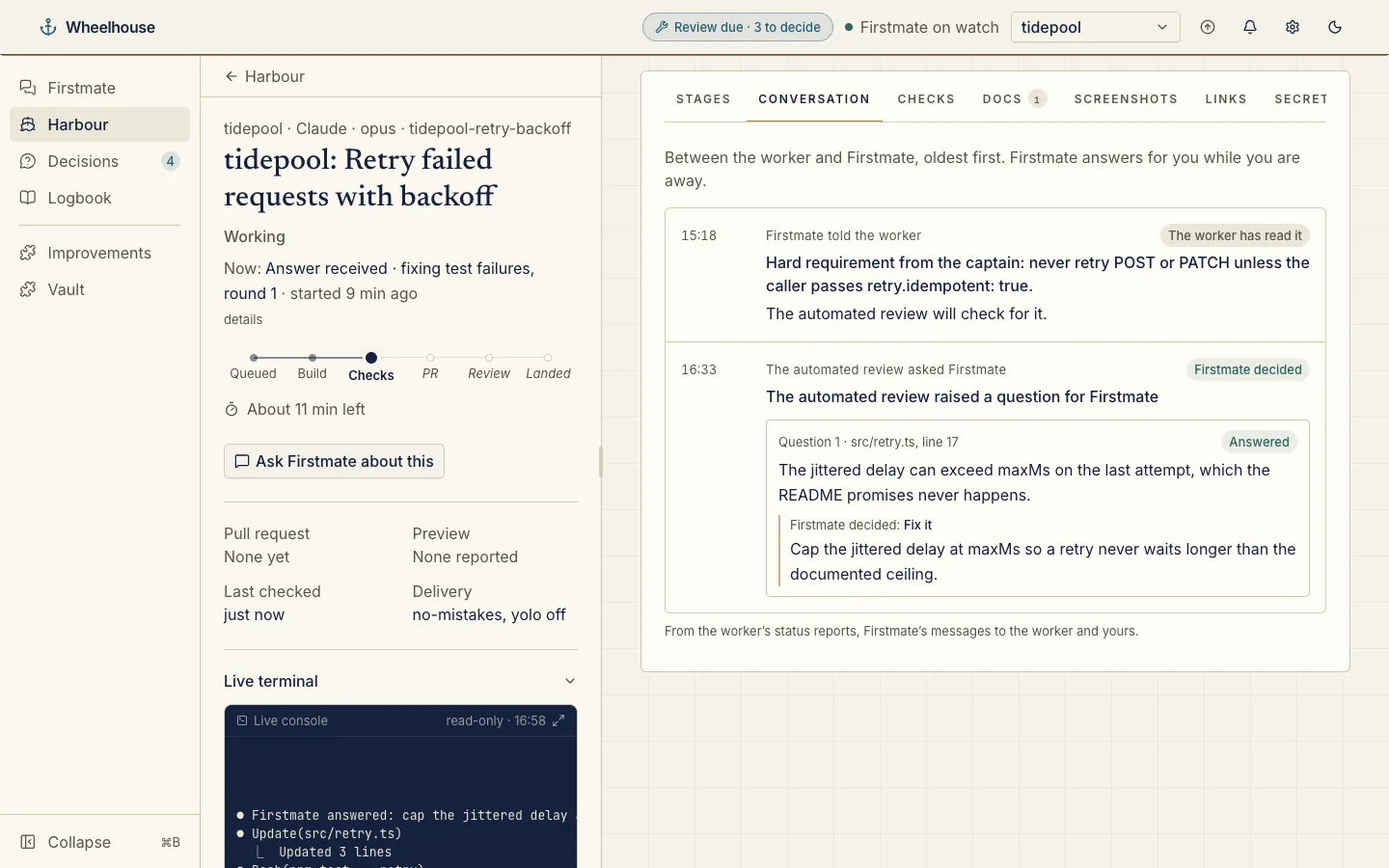
Every question a worker asked and how it was answered, including the automated review’s questions and Firstmate’s call on each.
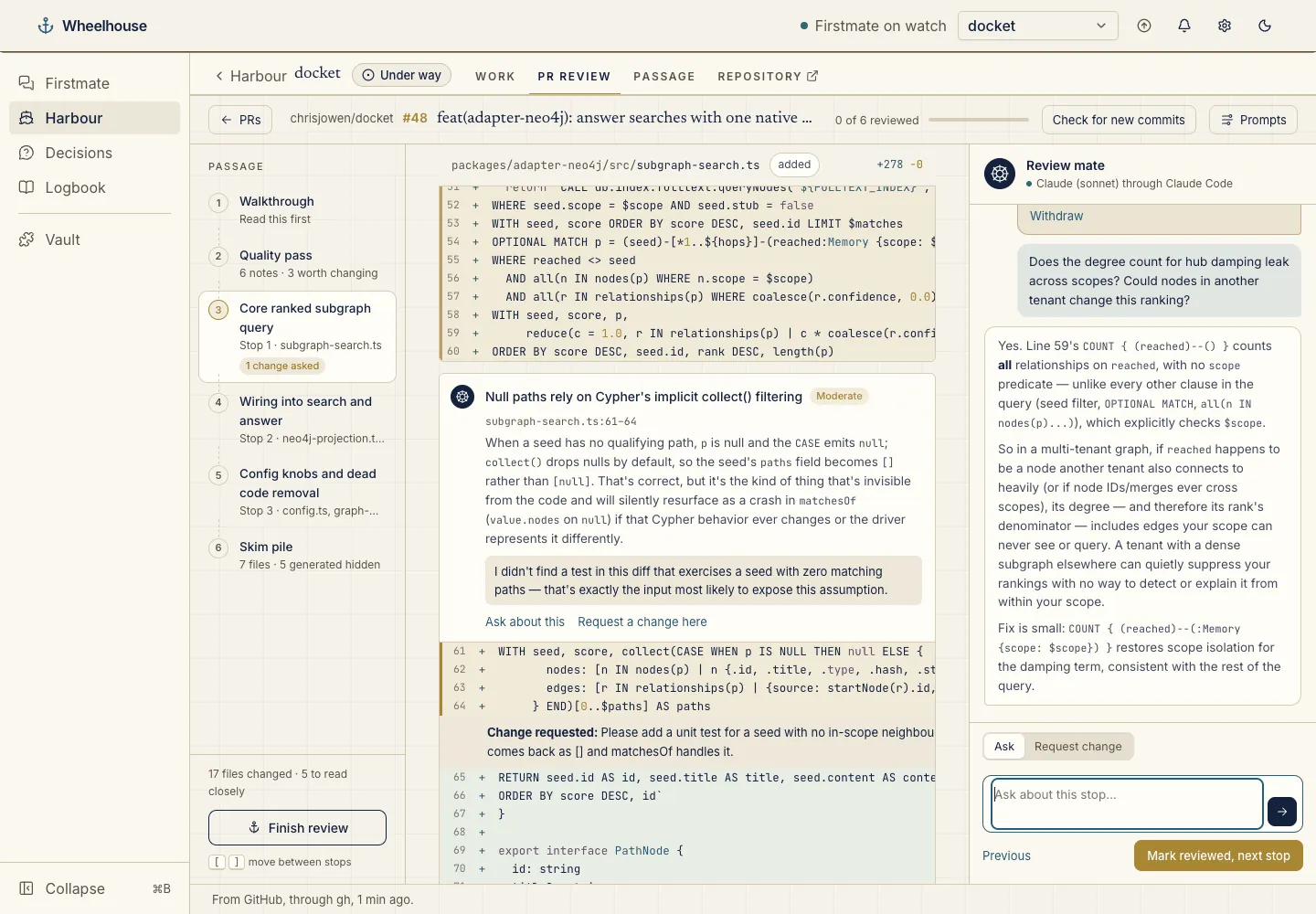
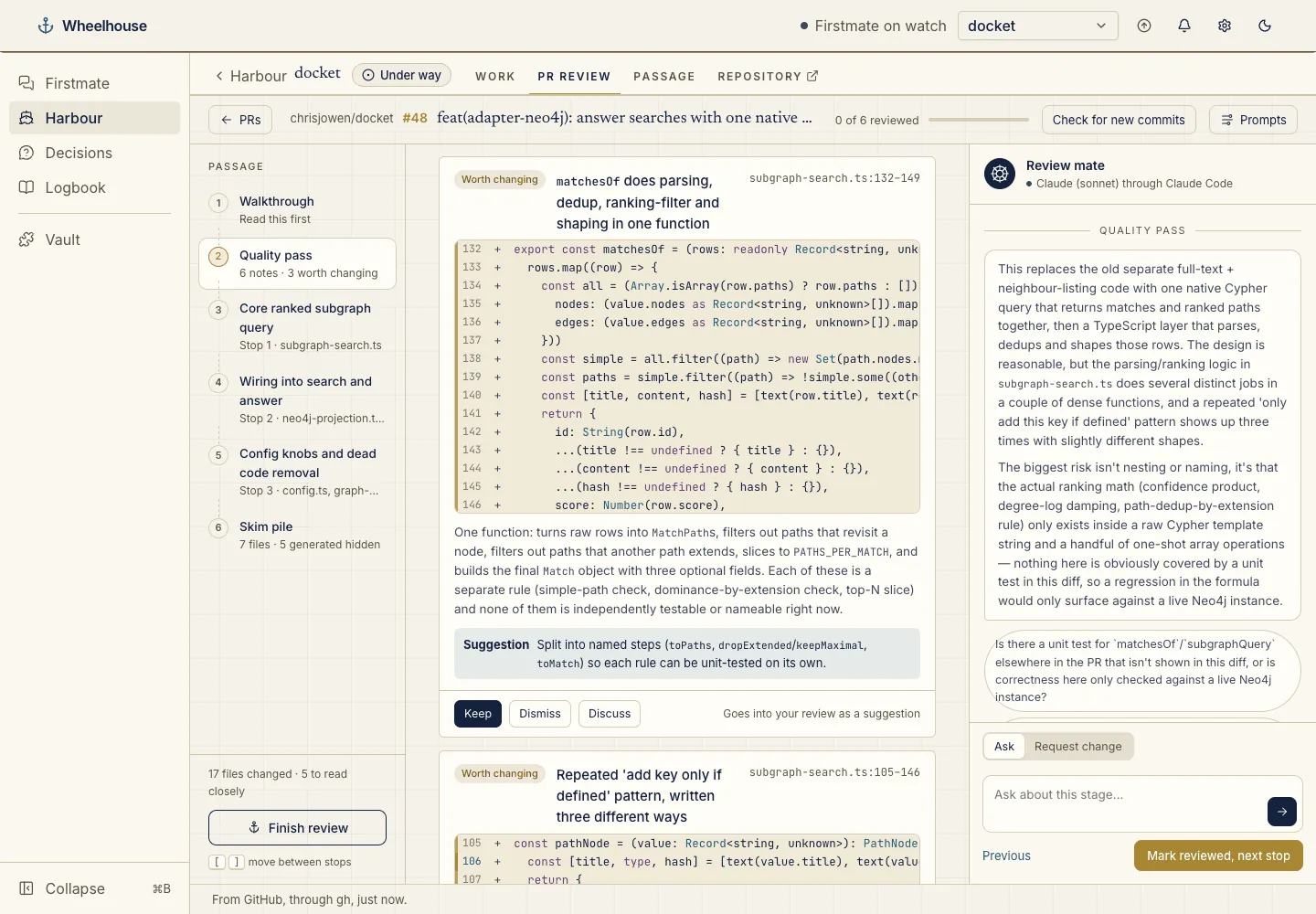
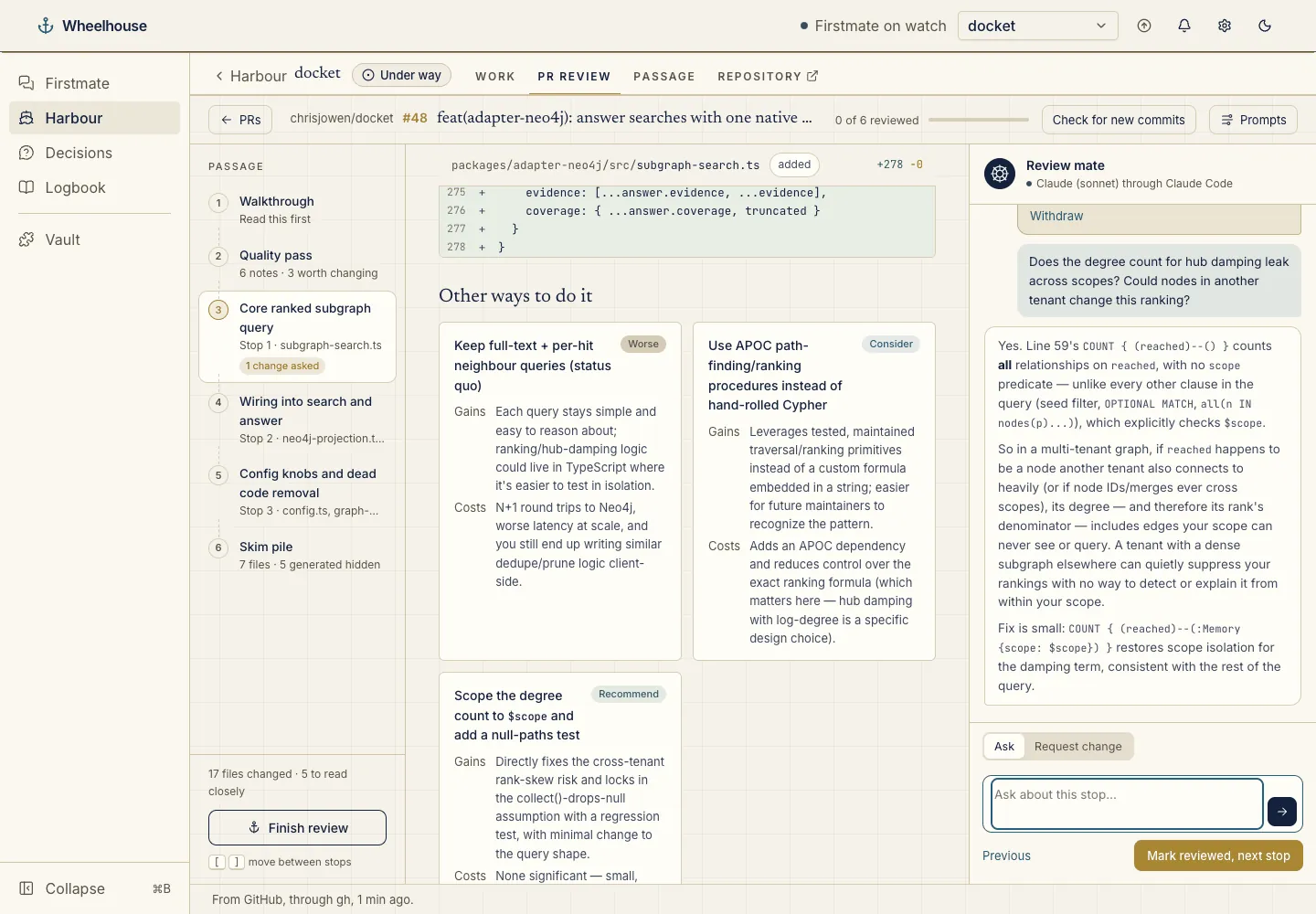
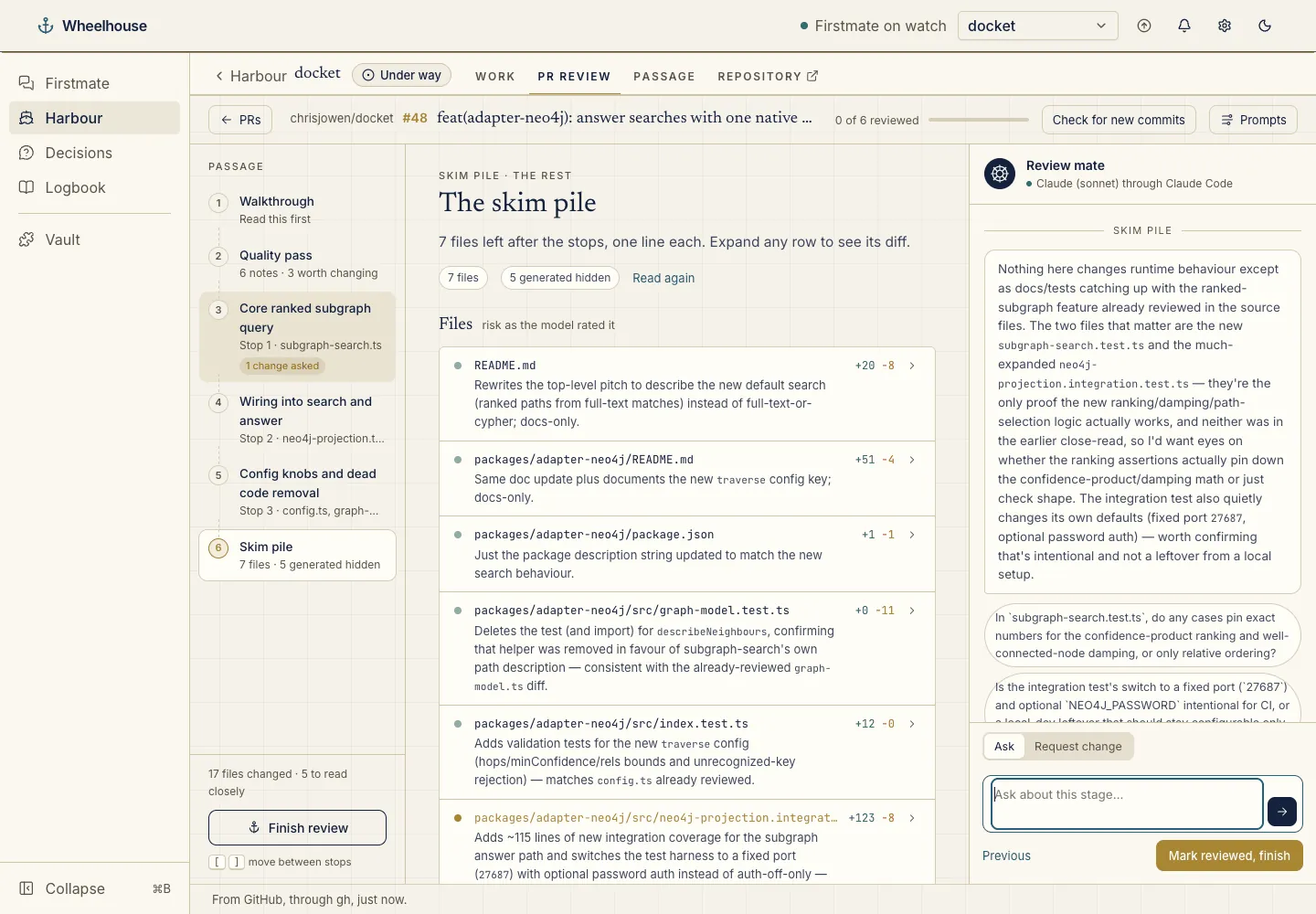
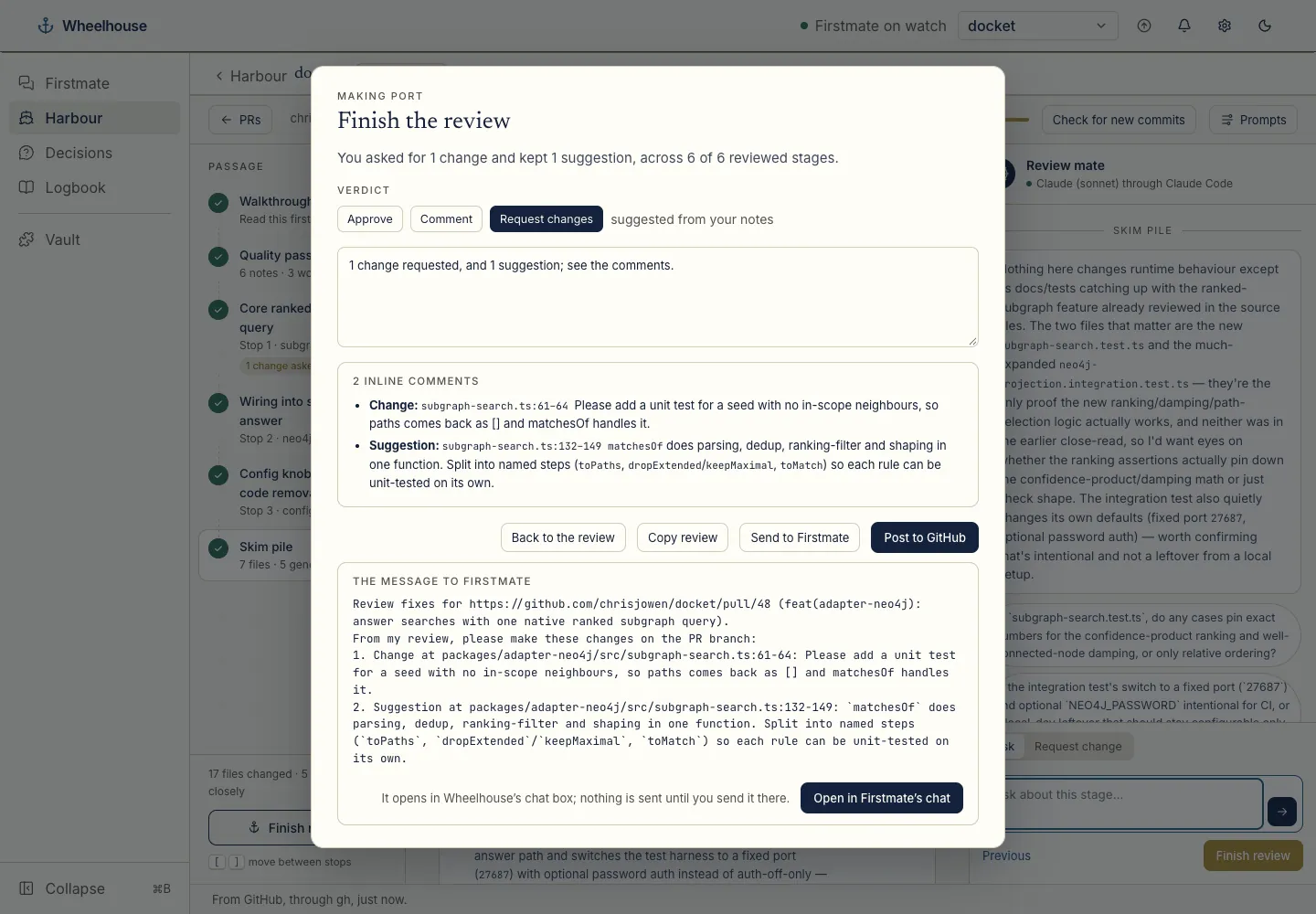
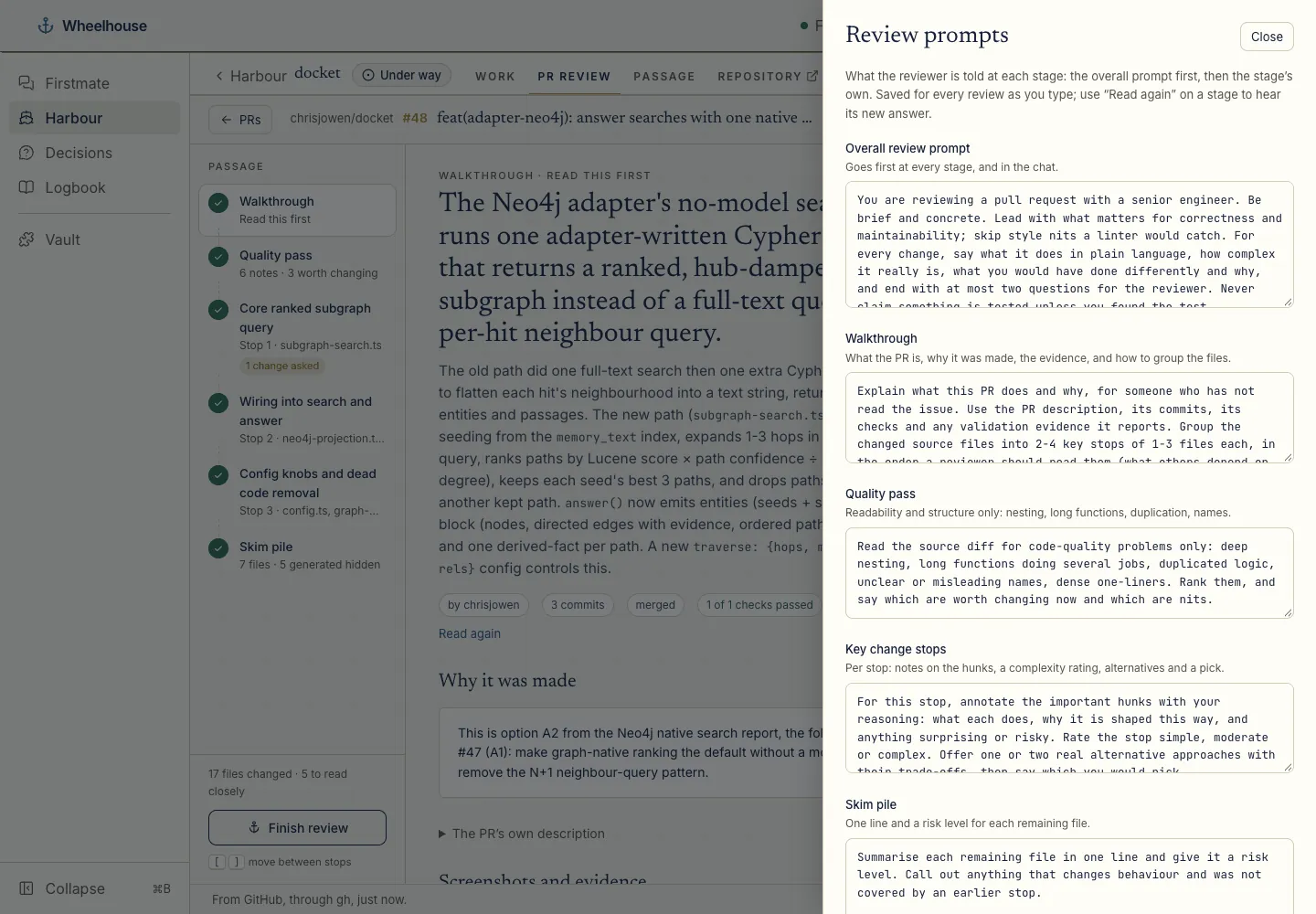
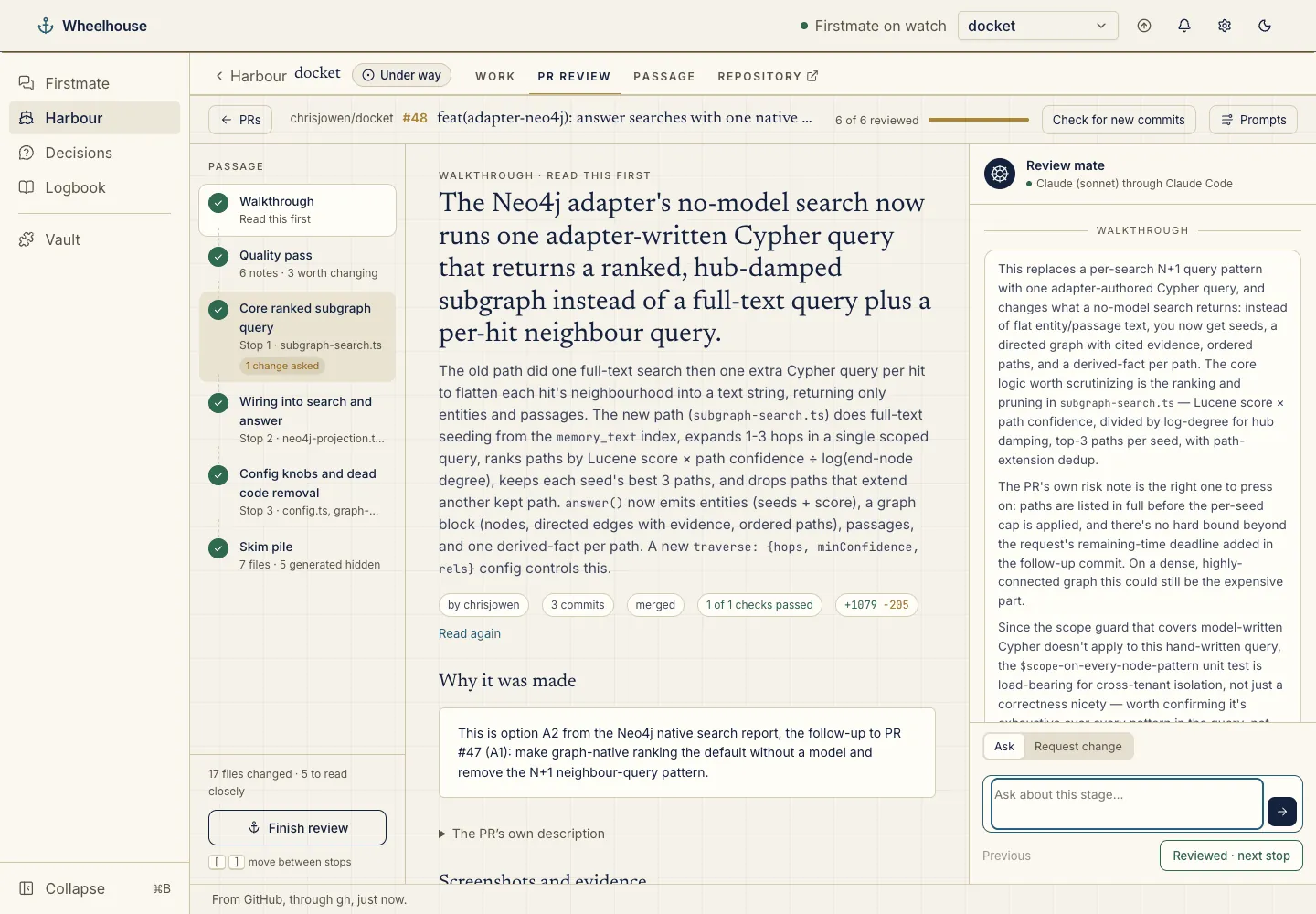
With the PR review plugin, Review on any pull request opens a guided review: a walkthrough, a quality pass, then the key changes stop by stop, with the reviewer’s notes pinned above the lines they discuss.
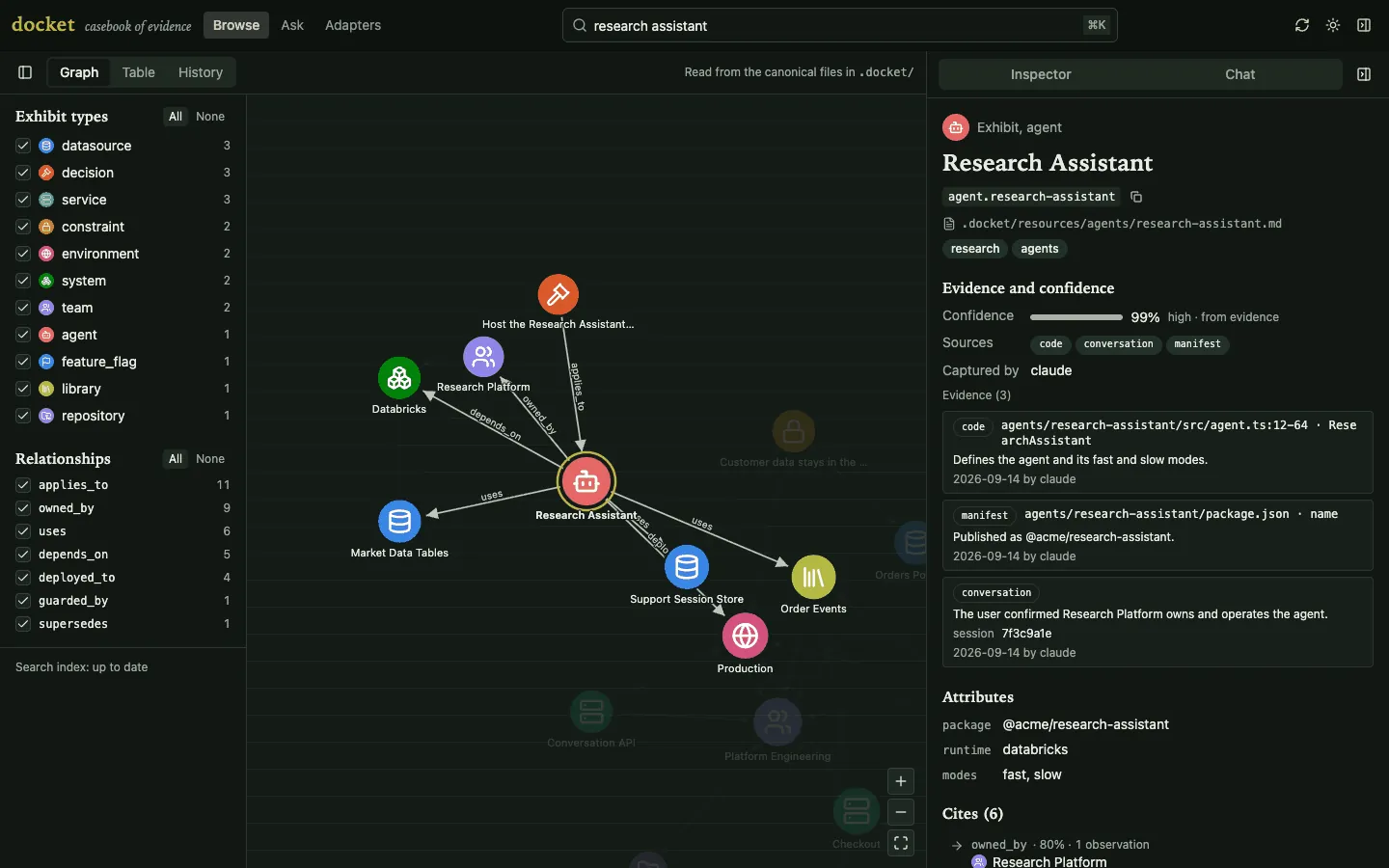
With docket’s plugin, a project’s Docket tab is its casebook: browse the team-memory graph, table and history, ask questions, search and sync. Shown here is docket open’s own page; the Docket tab draws the same UI inside Wheelhouse.
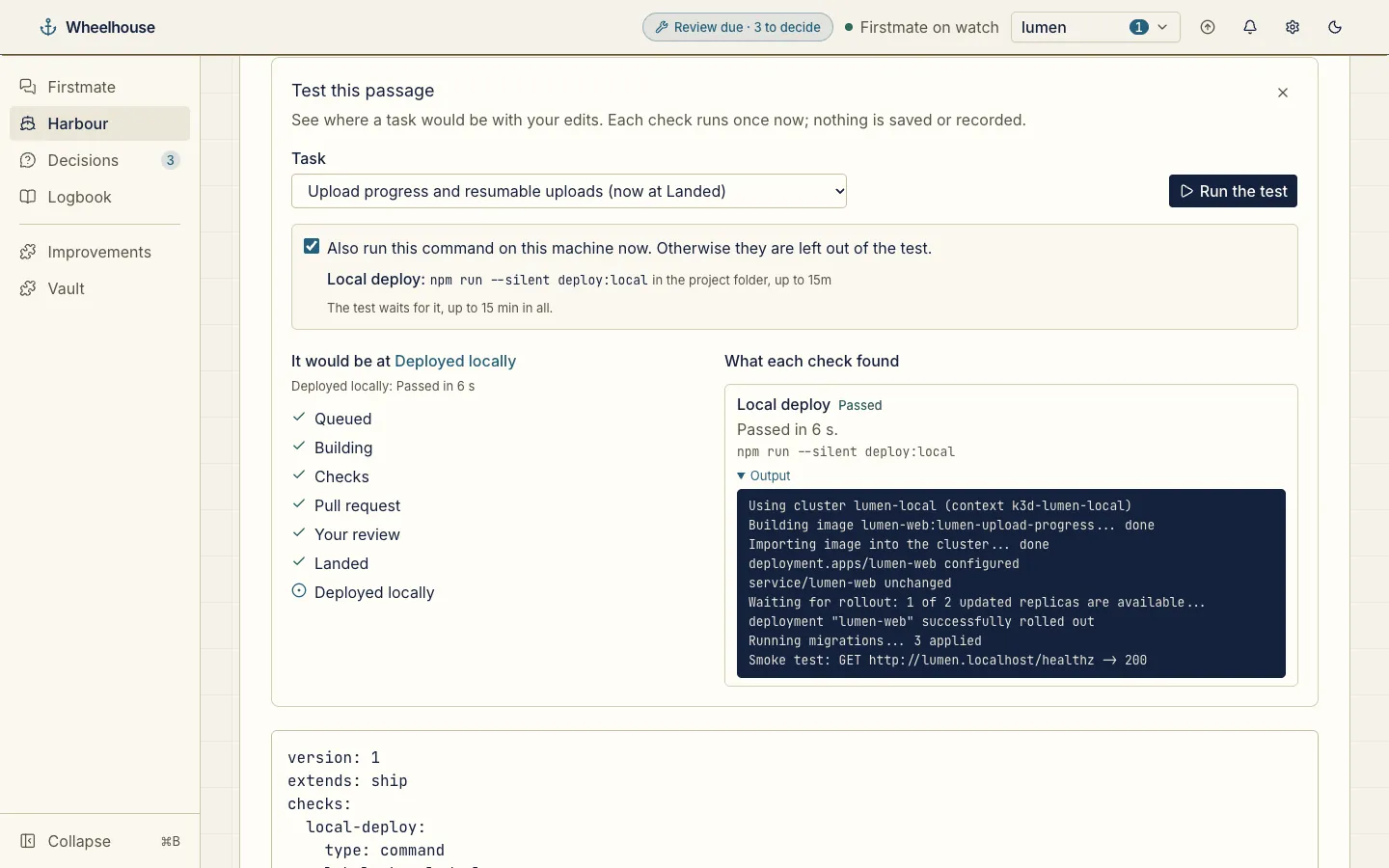
Add your own steps to a task’s passage, like a local deploy after merge, and test them on a landed task before you keep them.
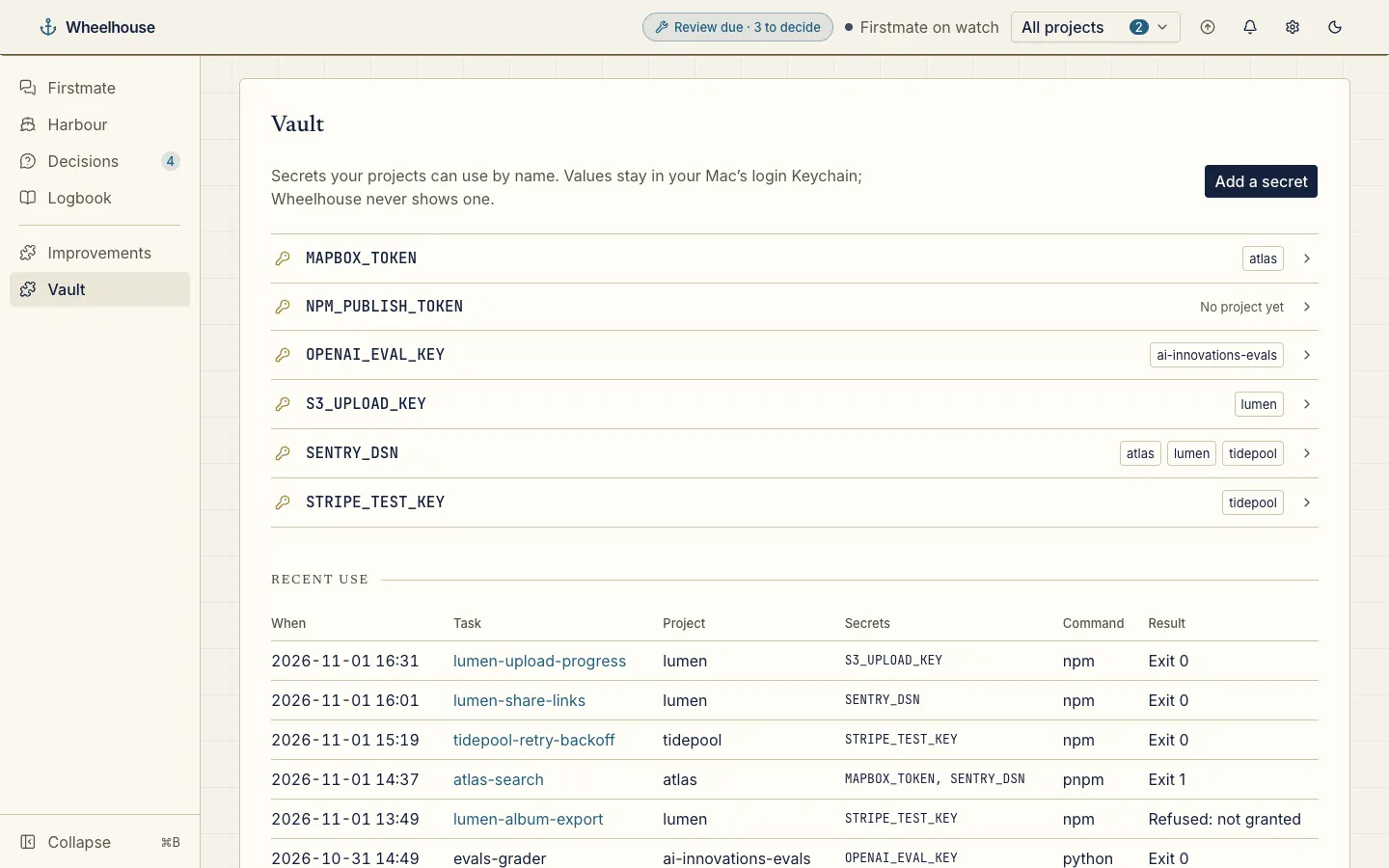
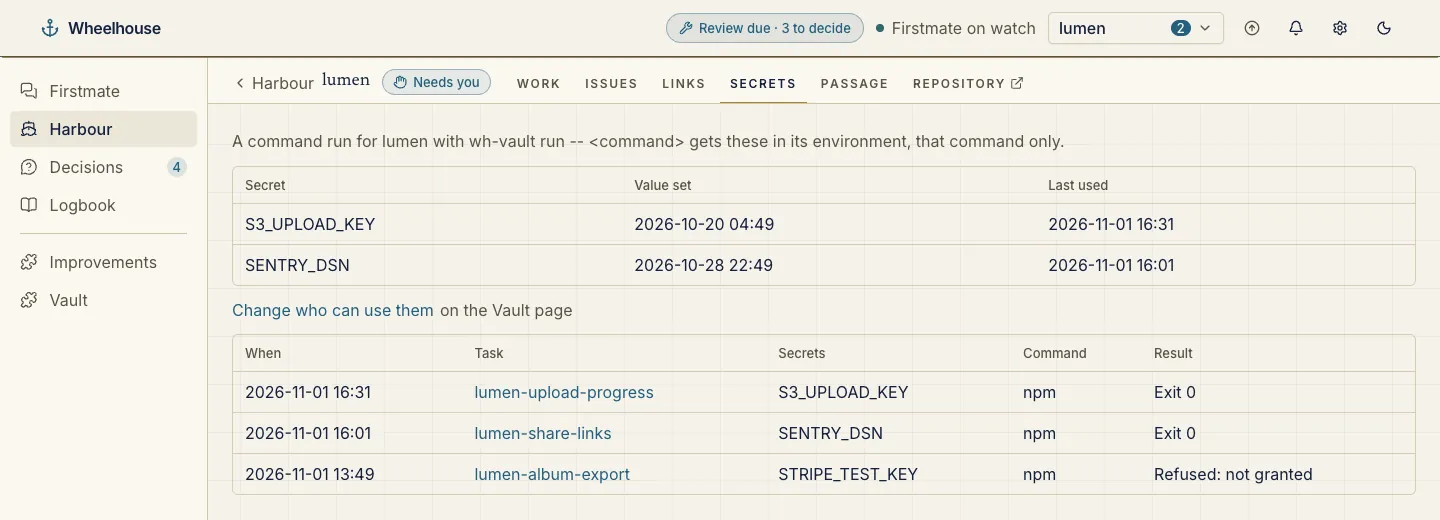
Give the crew secrets by name with wh-vault. Values stay in the macOS Keychain; the Vault page shows names, grants and use, never a value.
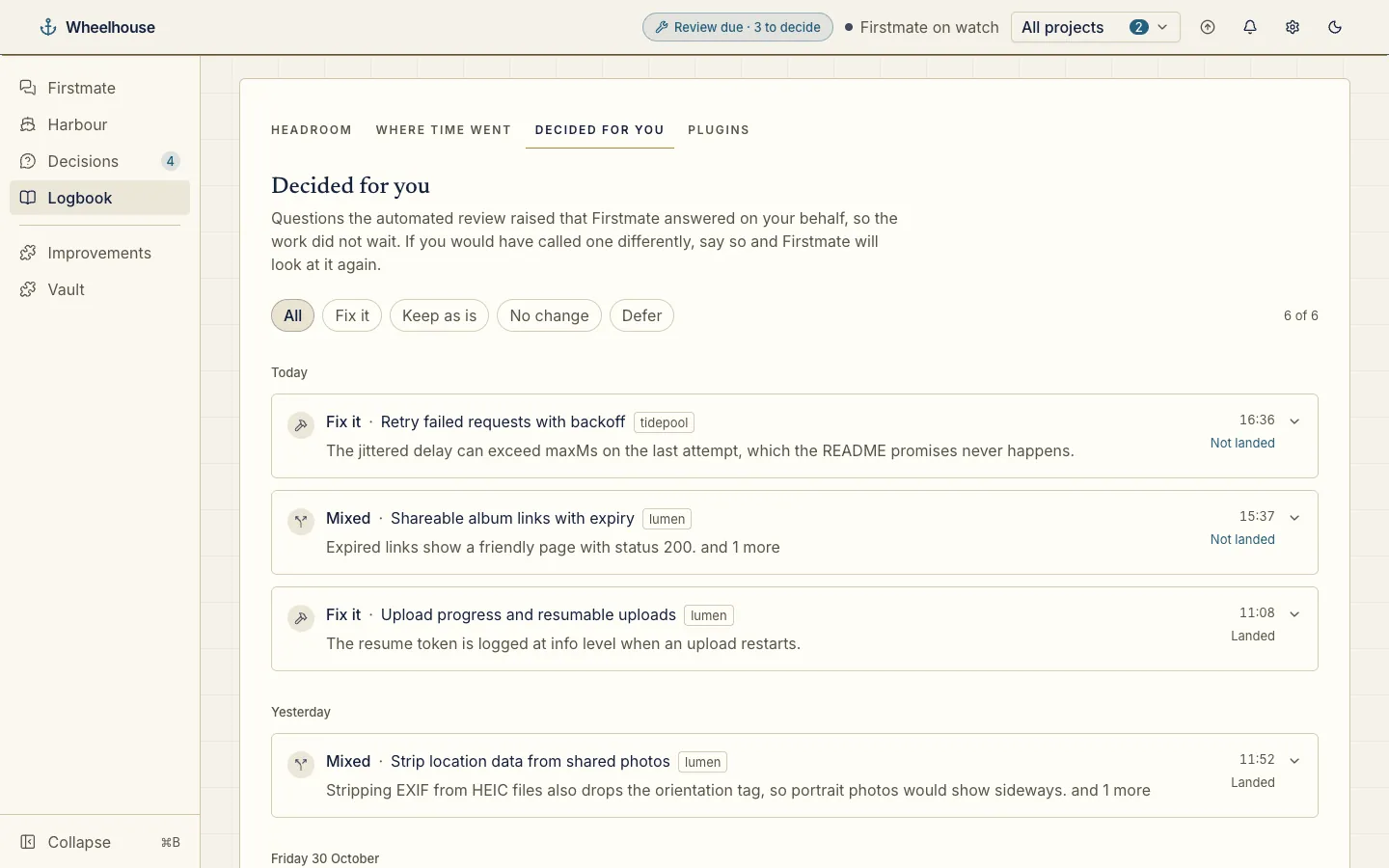
Every call Firstmate made on your behalf, grouped by day, with each call and its reason.
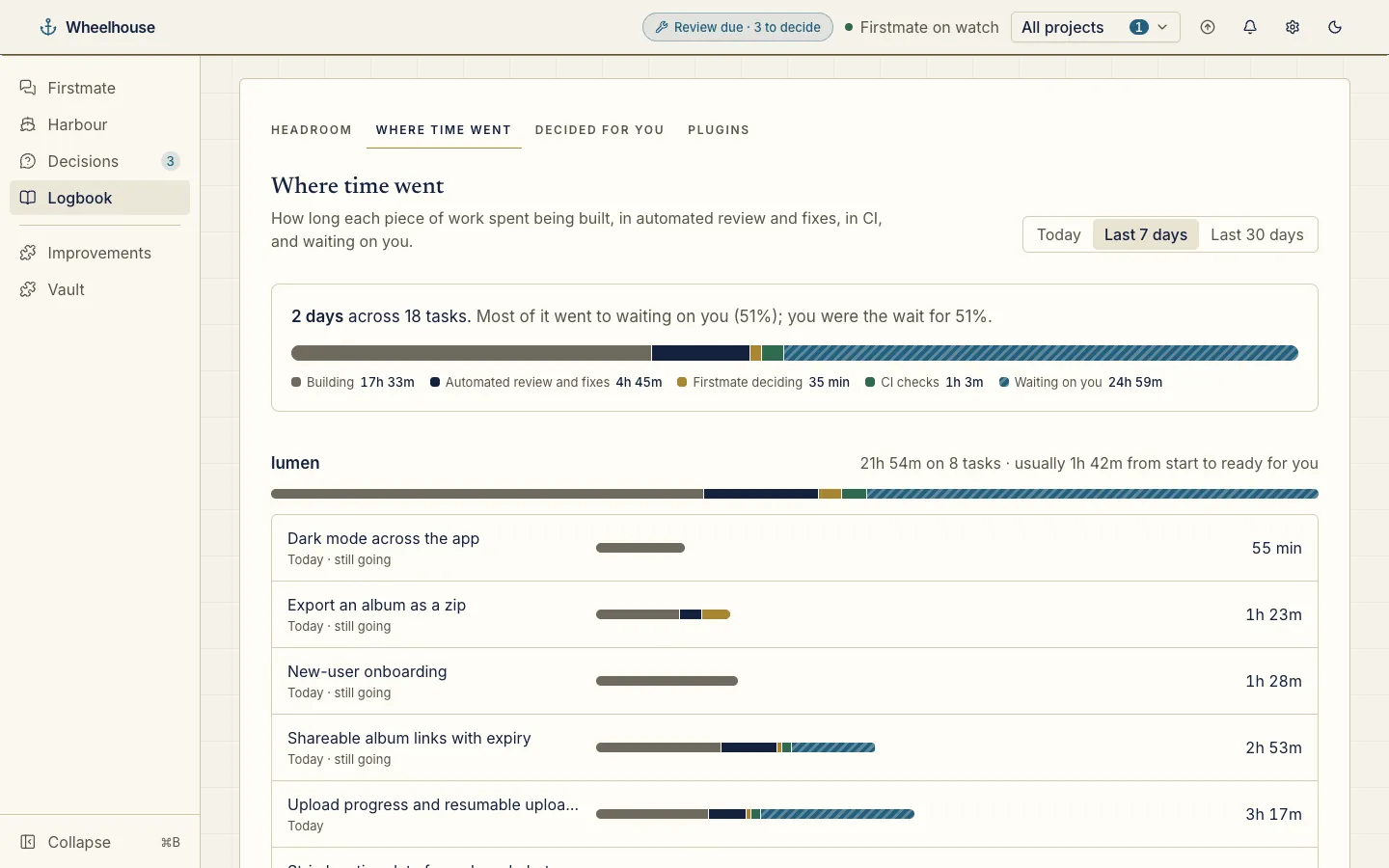
Spot the bottleneck: each task’s time split into building, review, CI and waiting on you.
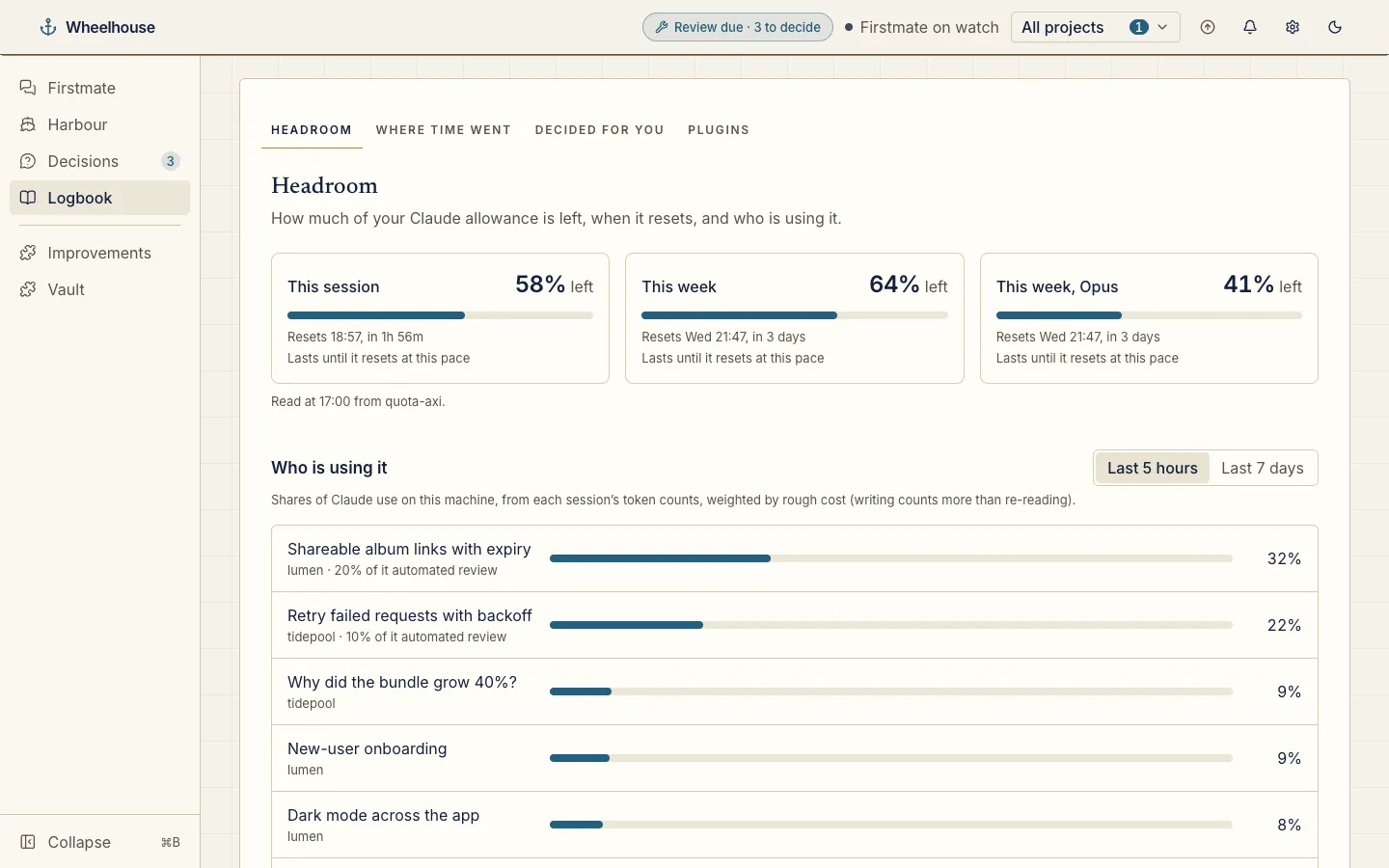
Never run out of allowance: Claude headroom left this session and this week, and each task’s share of recent use.
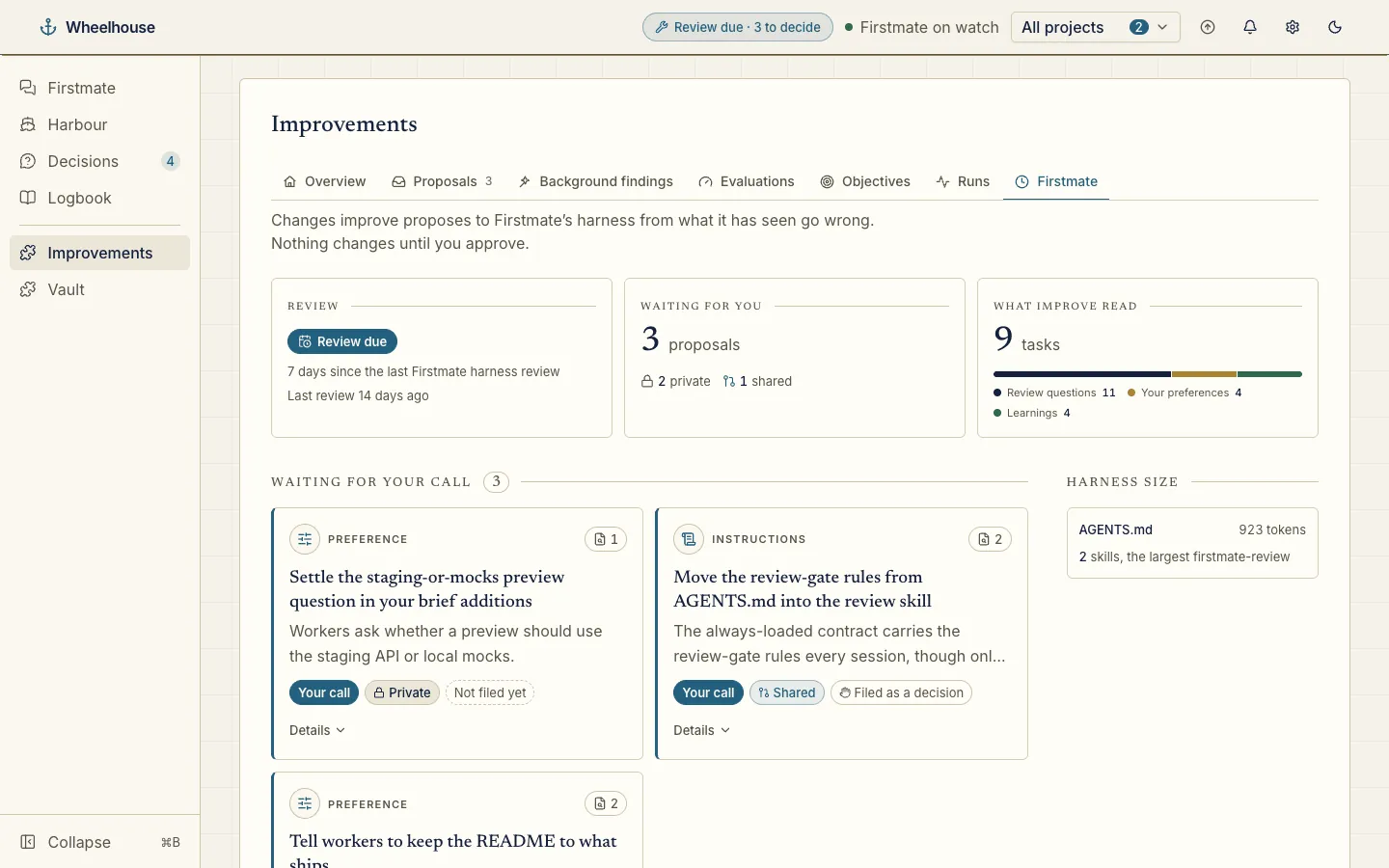
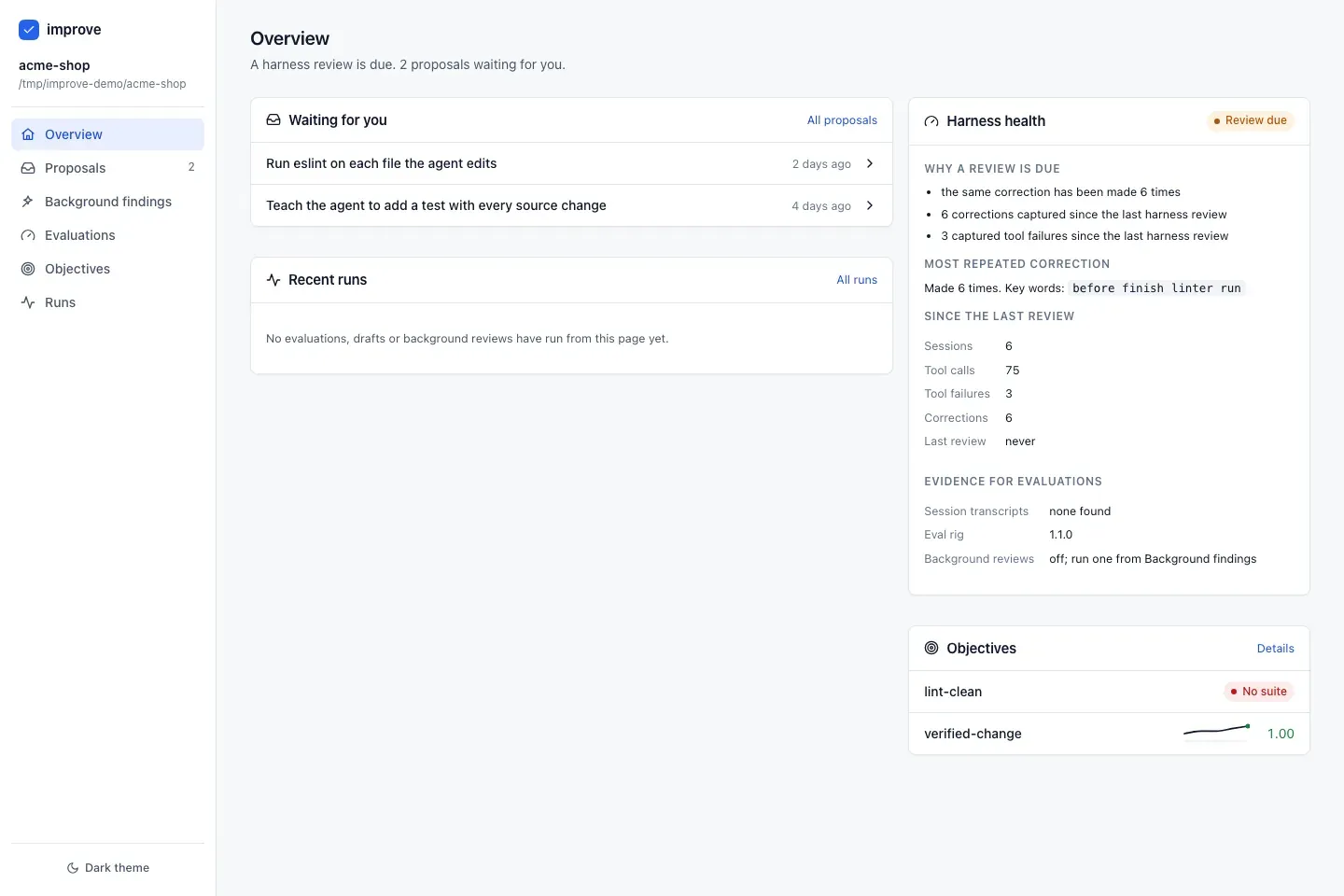
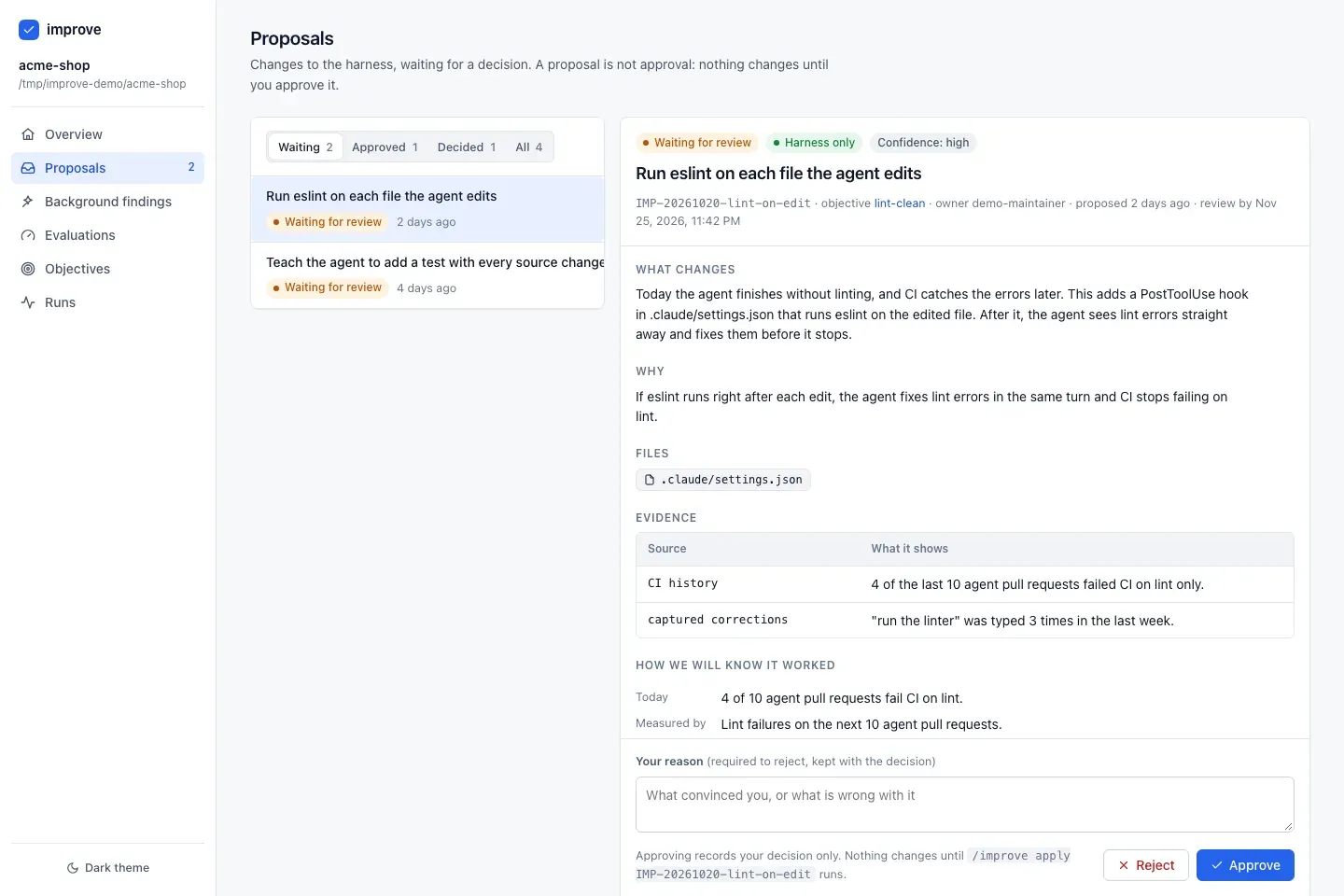
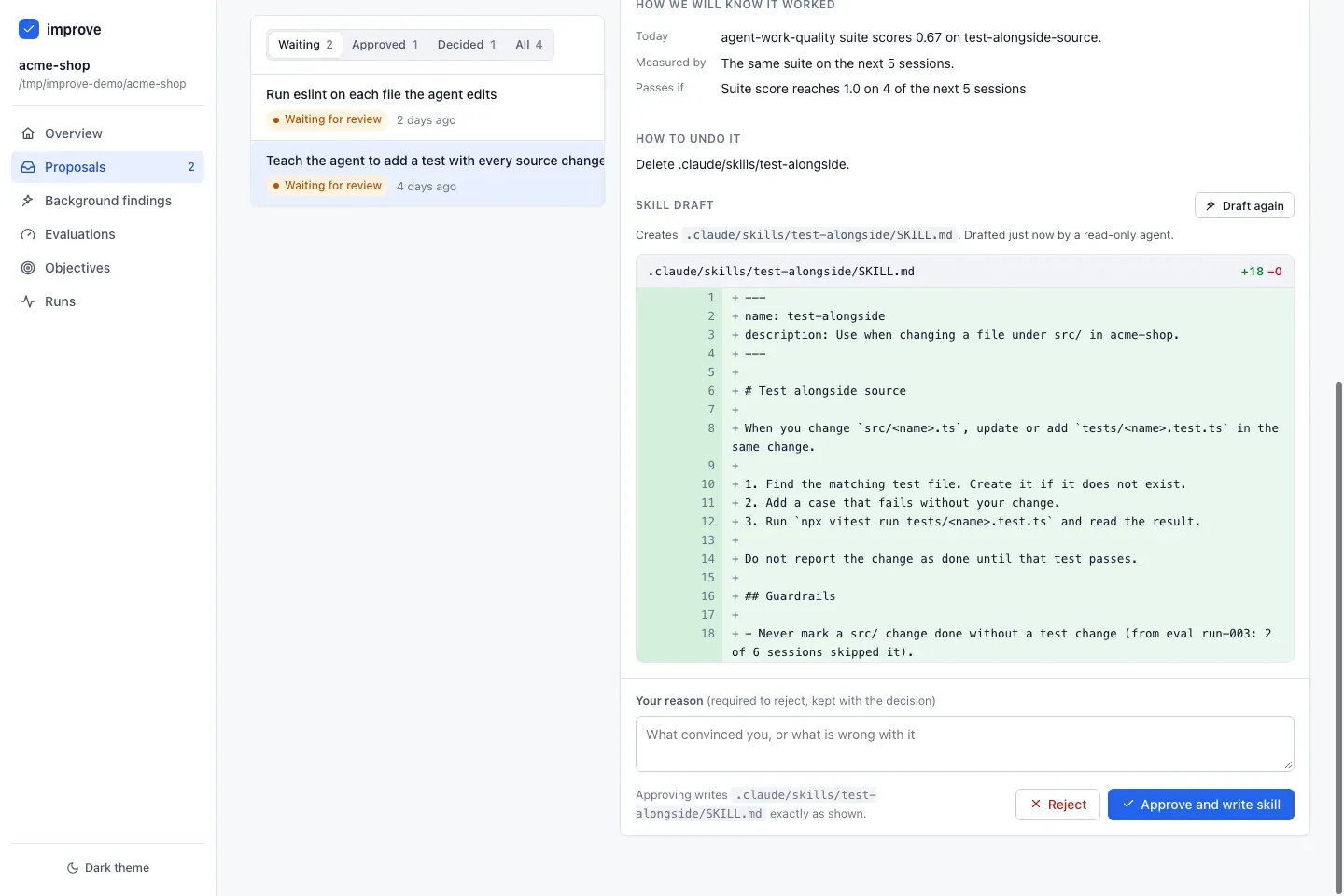
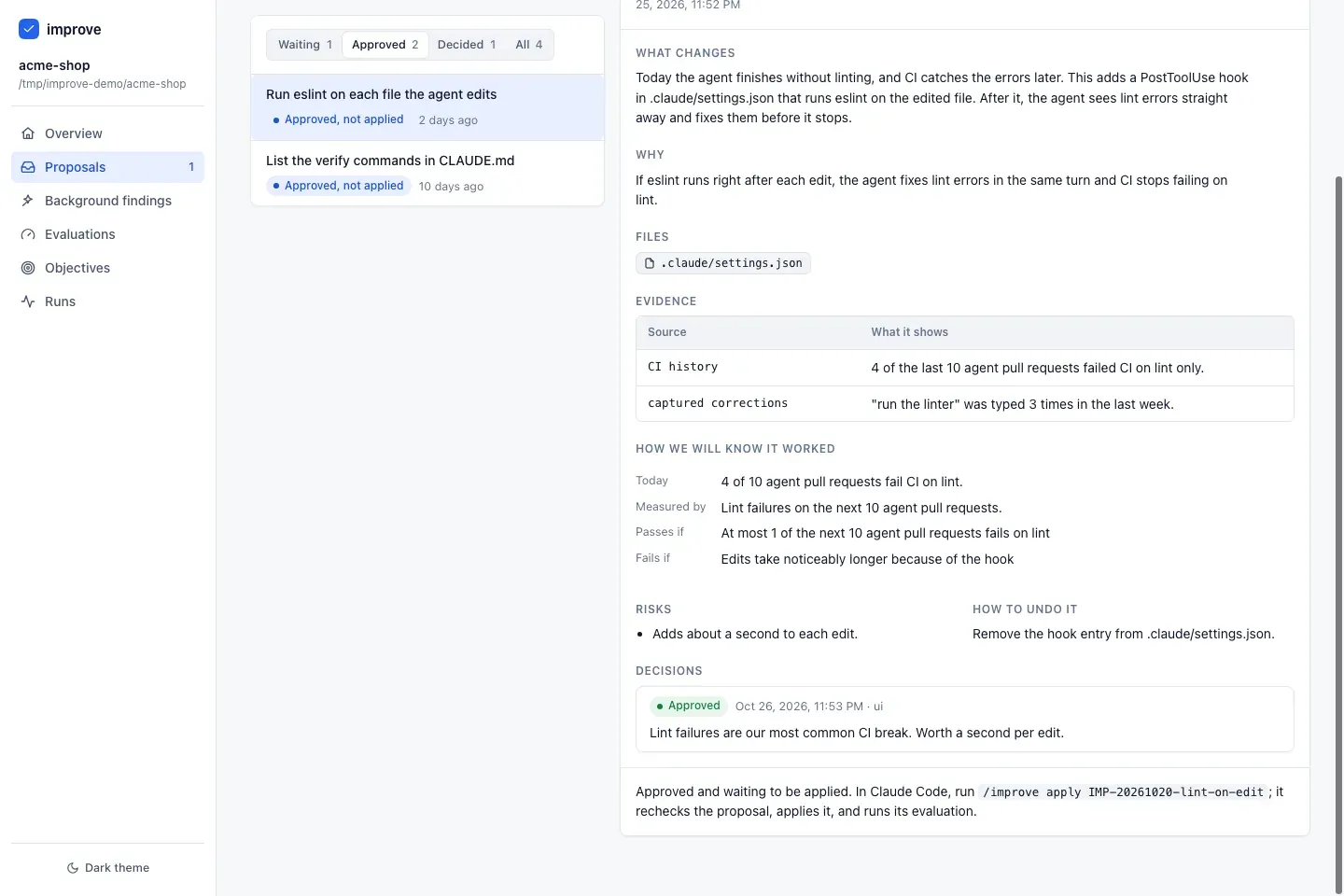
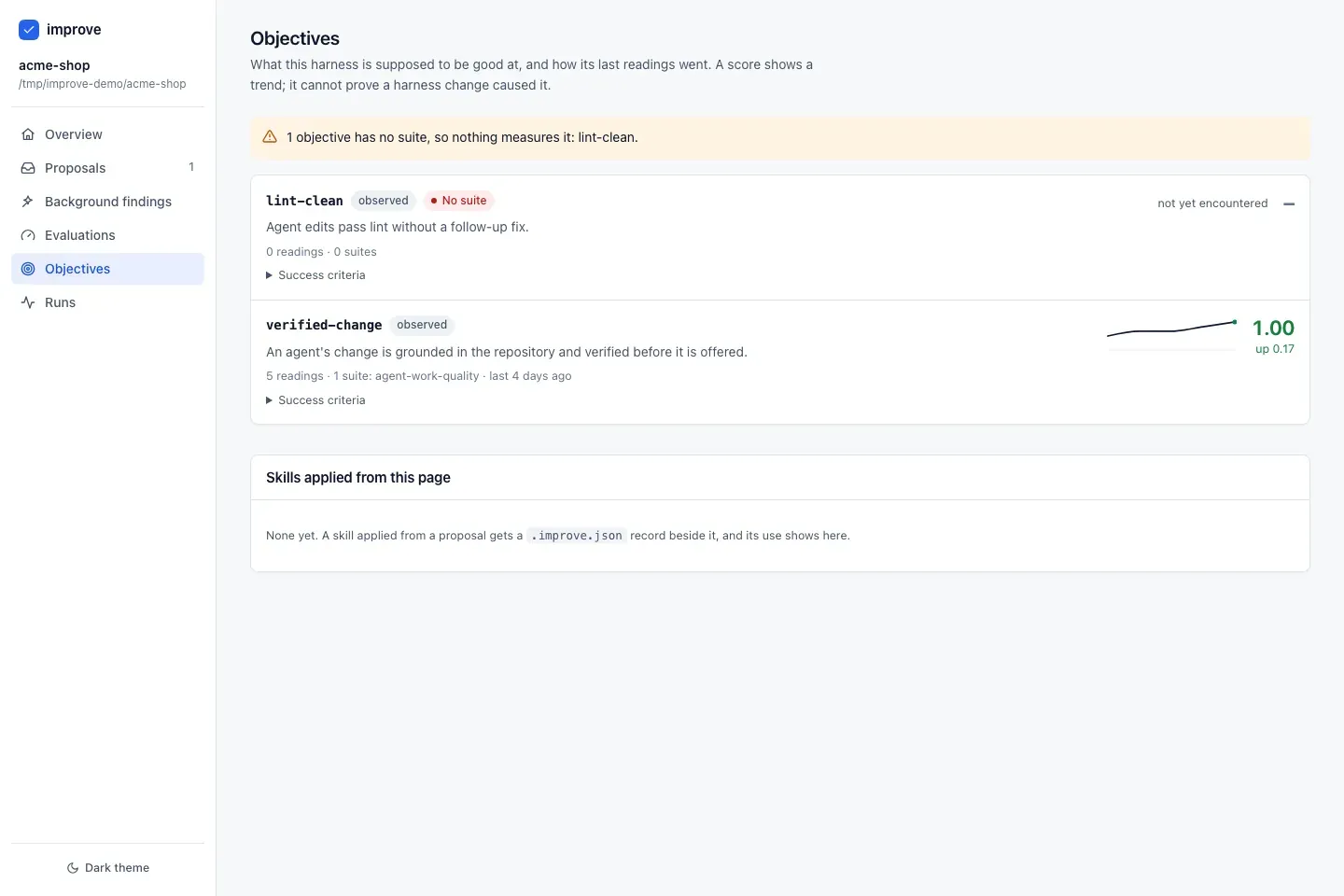
With the improve plugin, your harness gets better, only with your approval: reviews due, proposals waiting for your call, and the size of the harness.
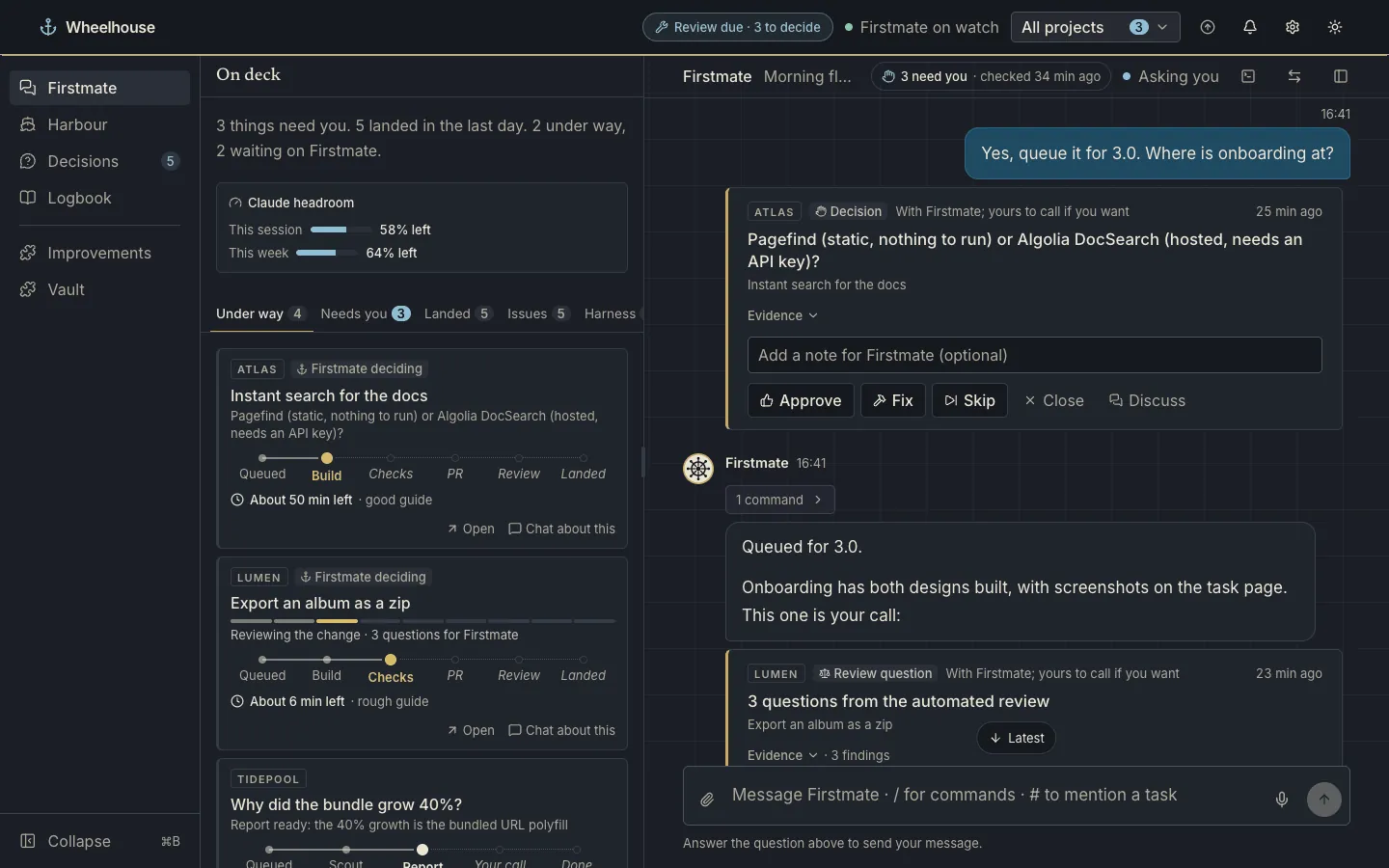
A calm logbook look in light, deep navy after dark.
Firstmate runs the crew: one Claude Code session that takes your requests and hands tasks to workers. Wheelhouse sits beside it as your window and your voice. Close Wheelhouse and the crew keeps working.
Chat, answer decisions, review previews and pull requests. From the browser, or from your phone over Discord.
A local web app and CLI. It starts Firstmate’s session, or finds the one already running, and shows the whole fleet.
The supervisor session in tmux. Your messages arrive in its inbox like any other note; it decides, dispatches and reports back.
Workers in their own git worktrees build, check and open pull requests, with live previews of the running app.
Wheelhouse reads the fleet snapshot, the ledger, transcripts, reports, diffs and check logs. The one thing it writes is your message, through Firstmate’s own inbox. It never stops, reconfigures or bypasses Firstmate.
127.0.0.1 and refuses requests from anywhere else.wh-vault; values stay in the macOS Keychain.Plugins fill fixed slots (tabs, cards, pages, a header pill) through a read-only context, with timeouts and error boundaries, so one failing plugin never takes a page down. How Wheelhouse reads Firstmate
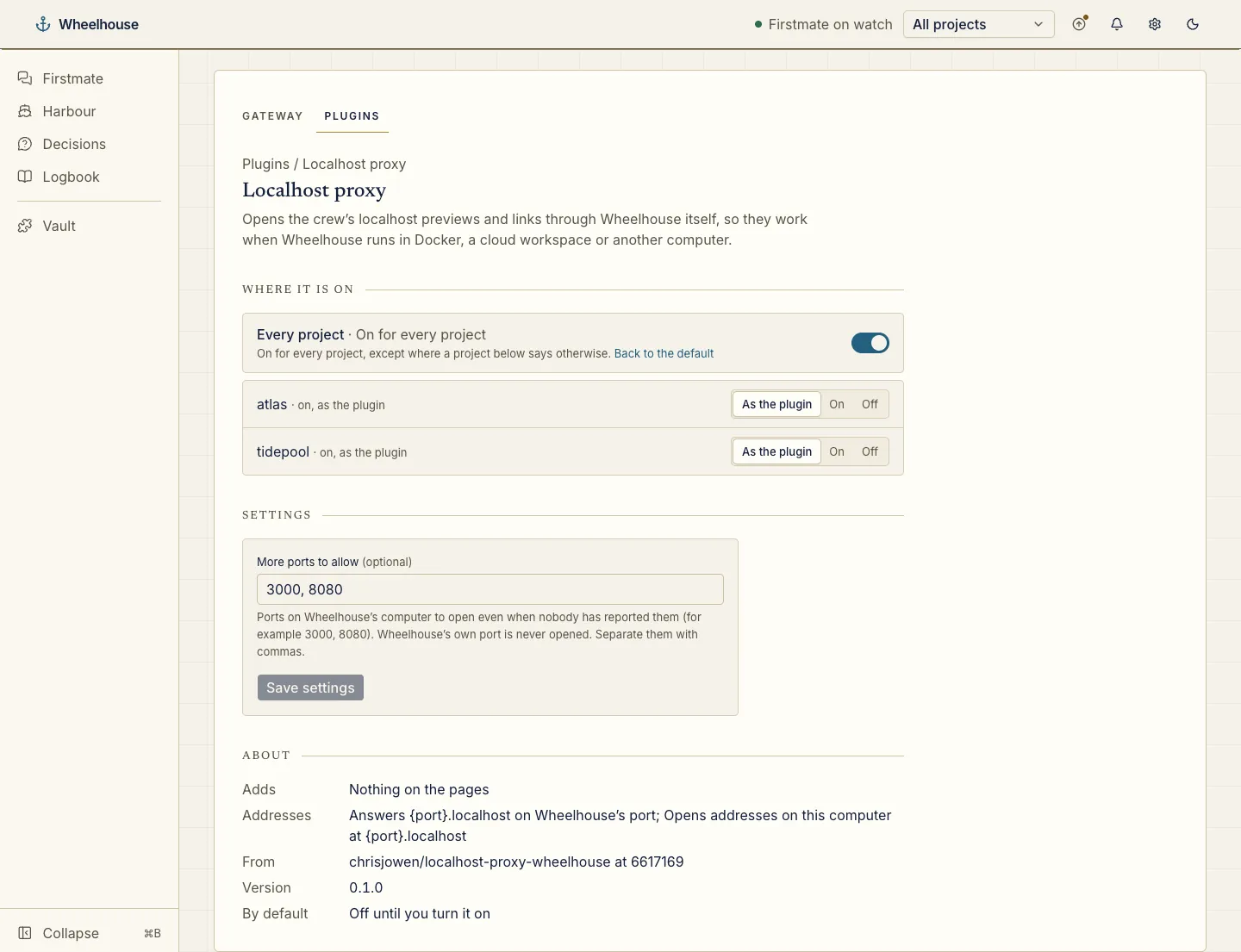
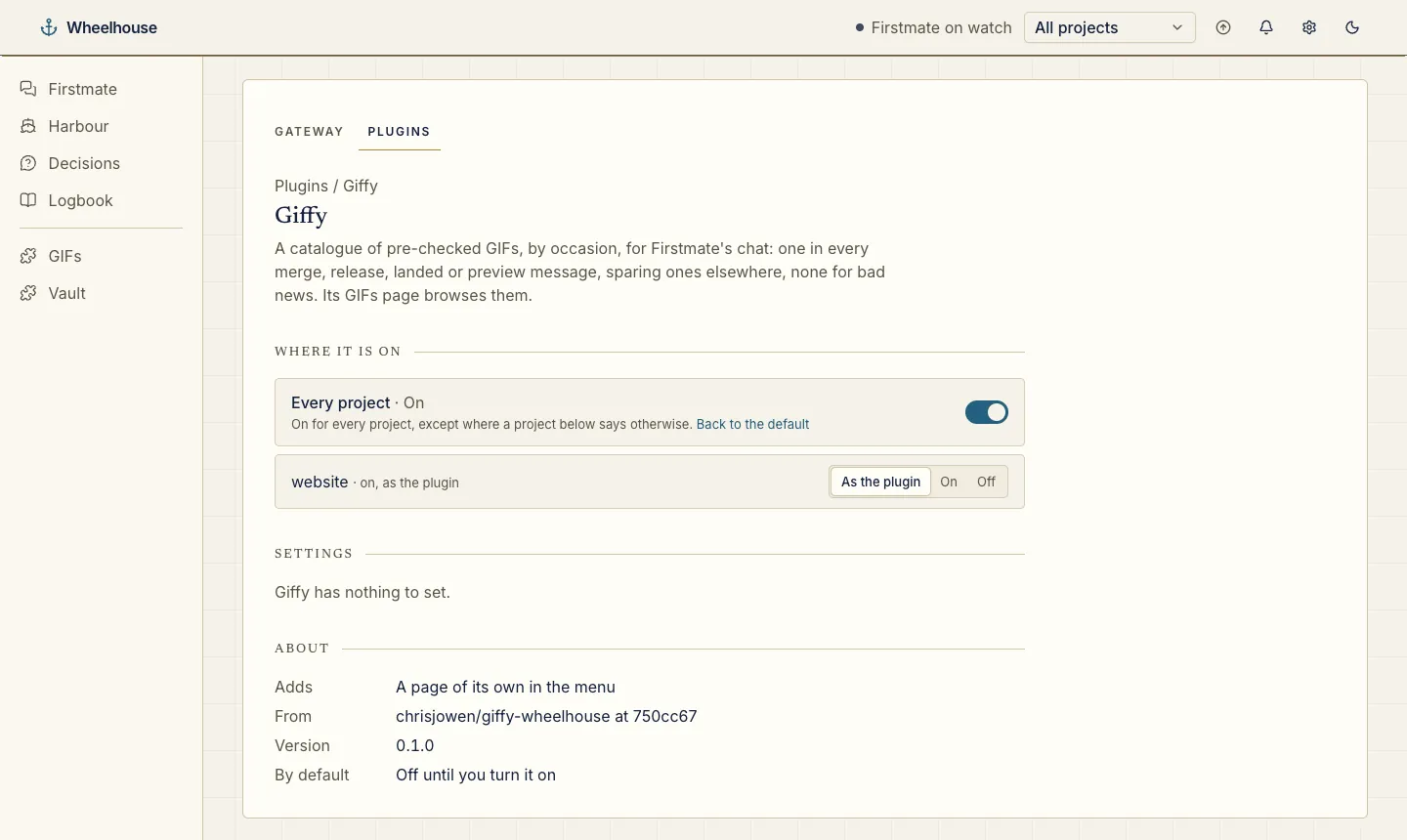
Install a plugin from its GitHub repository with one command, or with Install plugin under Settings → Plugins. Each one is off until you turn it on, for every project or only the ones you choose.
 7 screenshots
Review a pull request in stages: a walkthrough, a quality pass, the key changes stop by stop, then a skim pile. A chat sits beside the code at every stage.
A PR review tab on each project. Claude by default, or a local model through Ollama. Nothing is posted or sent until you click.
wheelhouse plugin install chrisjowen/pr-review-wheelhouse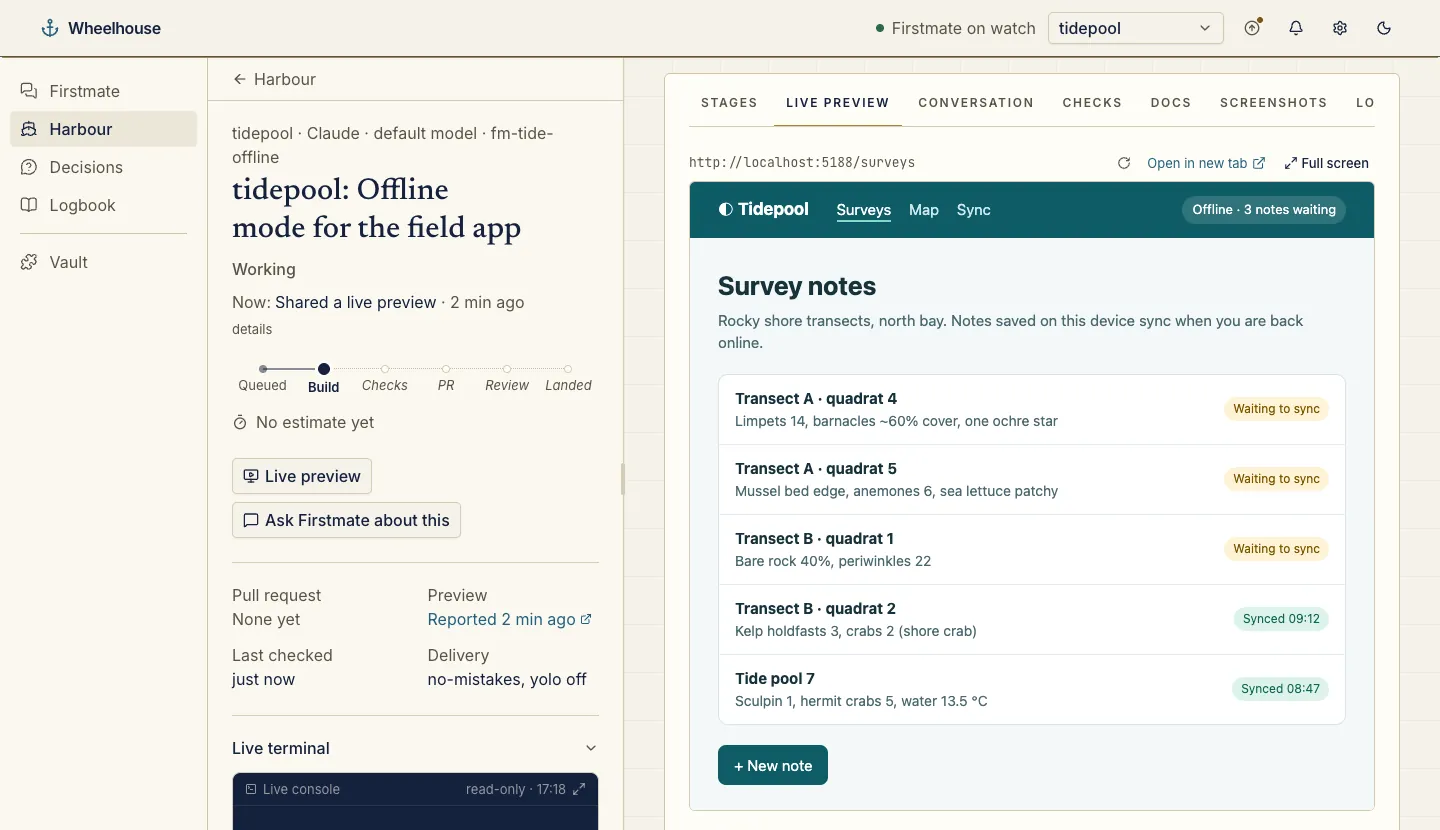 3 screenshots
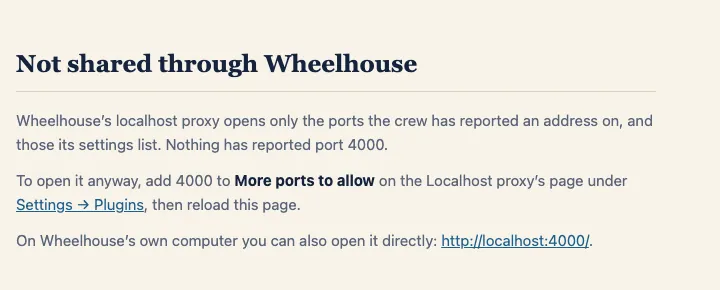
Opens the crew’s localhost previews and links through Wheelhouse’s own port, so they work when Wheelhouse runs in Docker, a cloud workspace or on another computer.
A host route and an address rewrite: http://localhost:5173/app opens as http://5173.localhost:4310/app. Only Wheelhouse’s port needs forwarding.
wheelhouse plugin install chrisjowen/localhost-proxy-wheelhouseA project’s team-memory casebook inside Wheelhouse: Browse (graph, table, history), Ask, Adapters, the inspector, chat, quick search and sync.
A Docket tab, on for every project whose clone has .docket.yaml, plus docket’s MCP app in the chat. The screenshot is docket open’s own page; the tab draws the same UI.
wheelhouse plugin install chrisjowen/docket6 screenshotsGoverned, evidence-driven improvement of your Claude Code harness. Each suggestion arrives as a decision for you, like any other.
An Improvements page, a Harness tab on the home rail, a header pill when a review is due, and the proposal on each decision.
wheelhouse plugin install chrisjowen/improve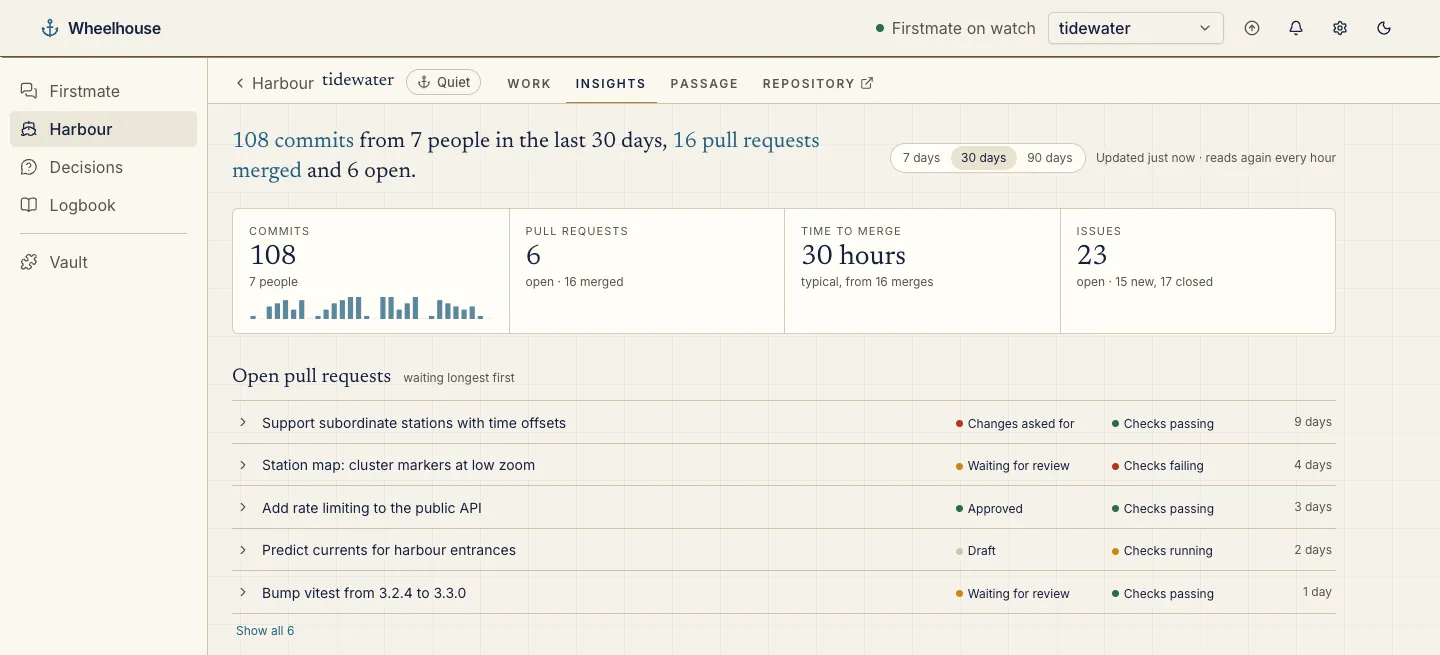 5 screenshots
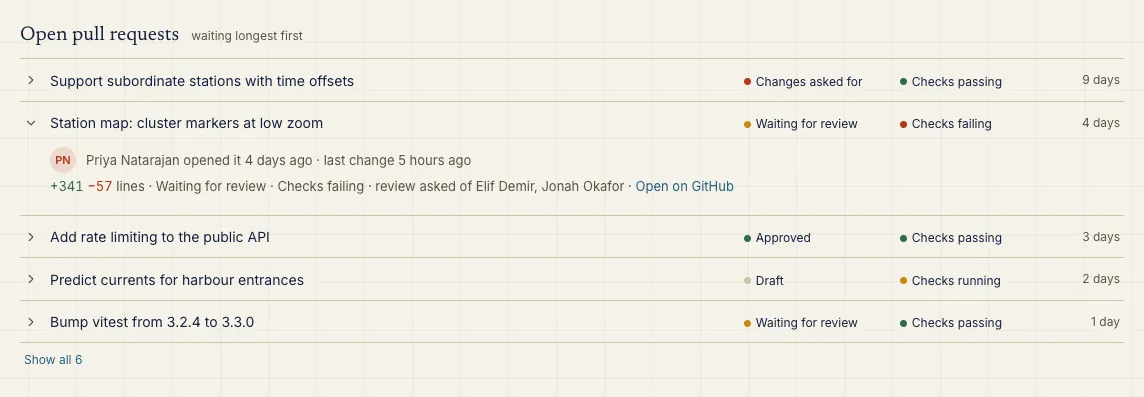
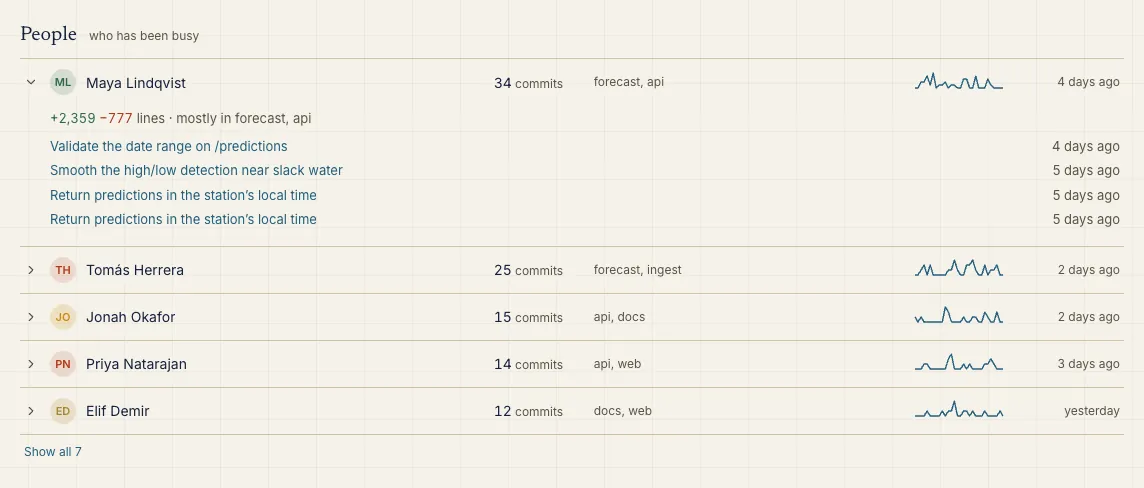
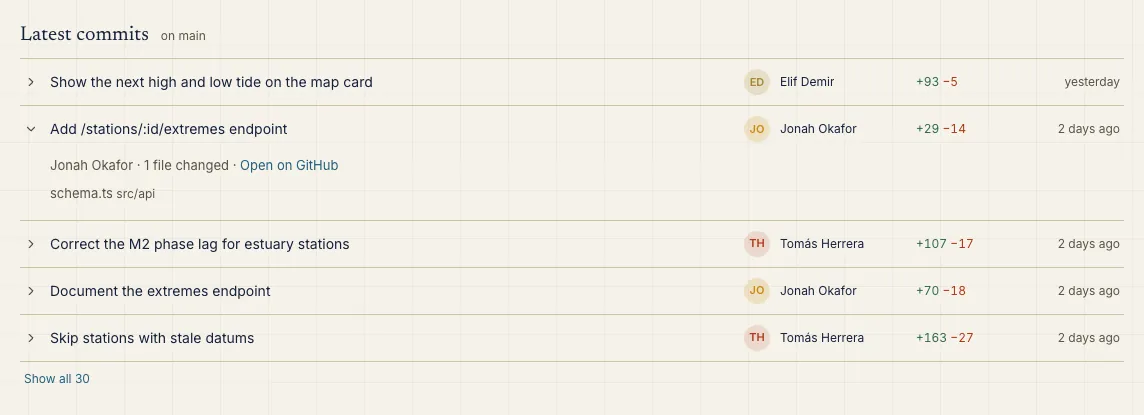
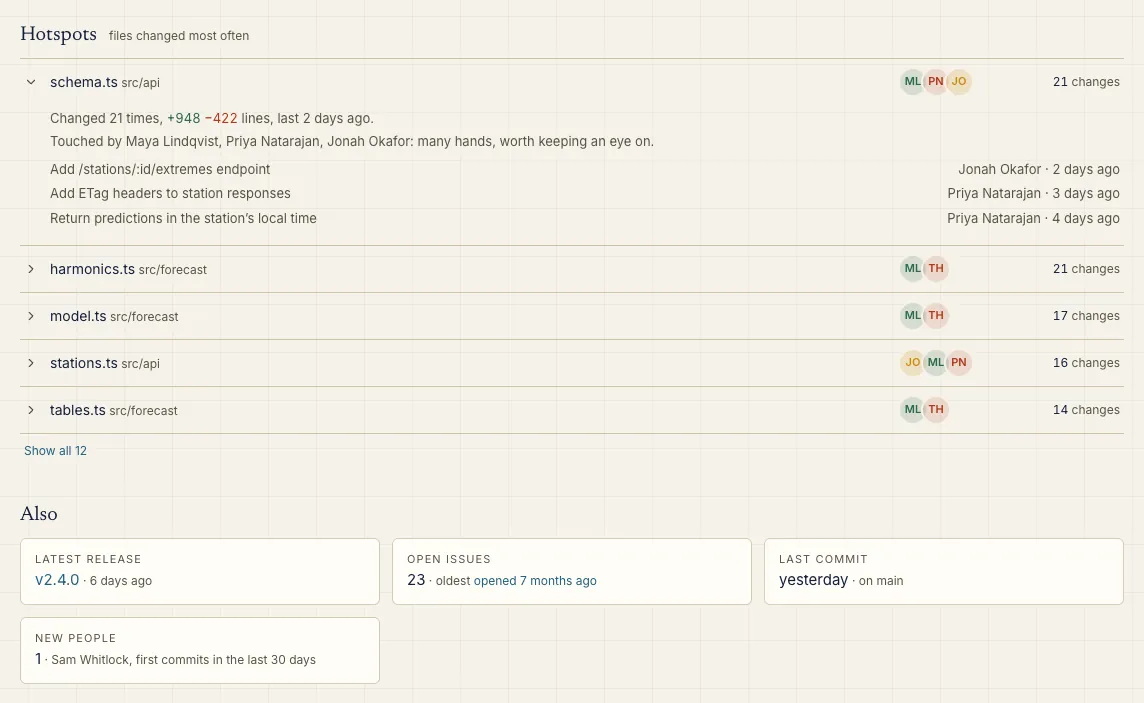
Who is working on a project, its latest commits, the files that change most, open pull requests and a few figures, from git and GitHub, read again every hour.
An Insights tab on each project, with a 7, 30 or 90 day view.
wheelhouse plugin install chrisjowen/git-insights-wheelhouse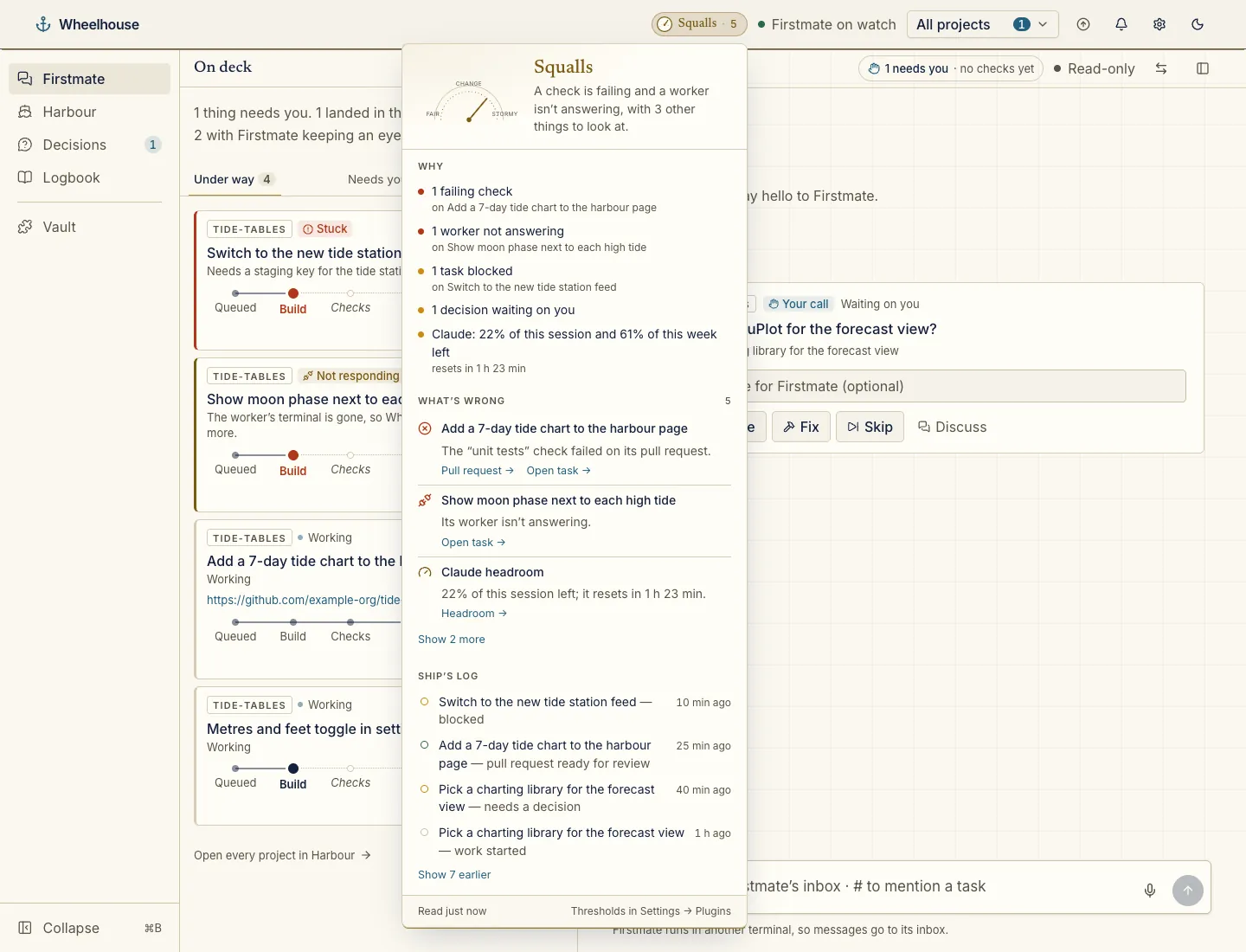 3 screenshots
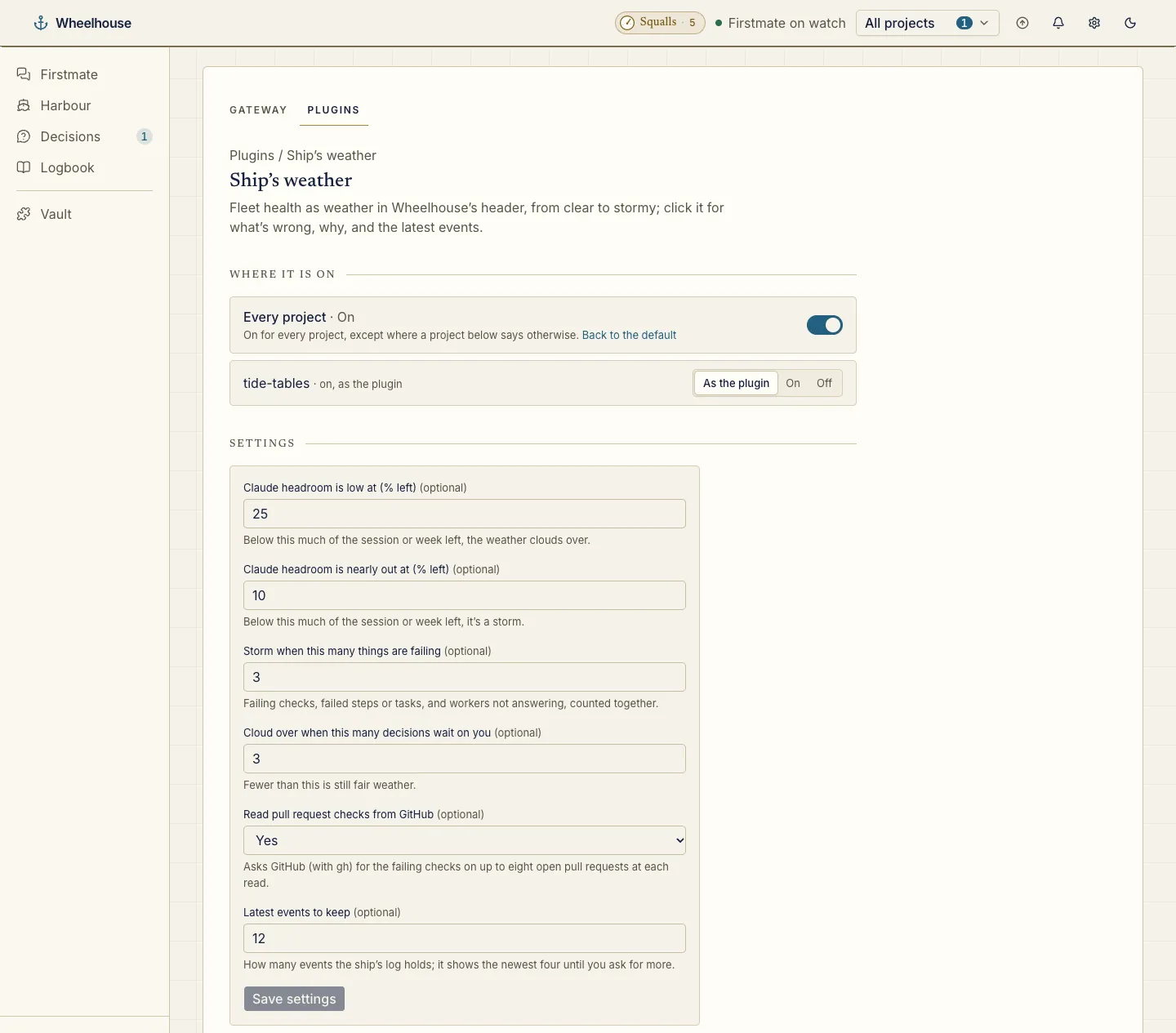
The fleet’s health as weather, from Clear to Storm. Click it for a brass barometer, the forecast, why, what’s wrong and the ship’s log.
A pill in the header on every page.
wheelhouse plugin install chrisjowen/ship-weather-wheelhouse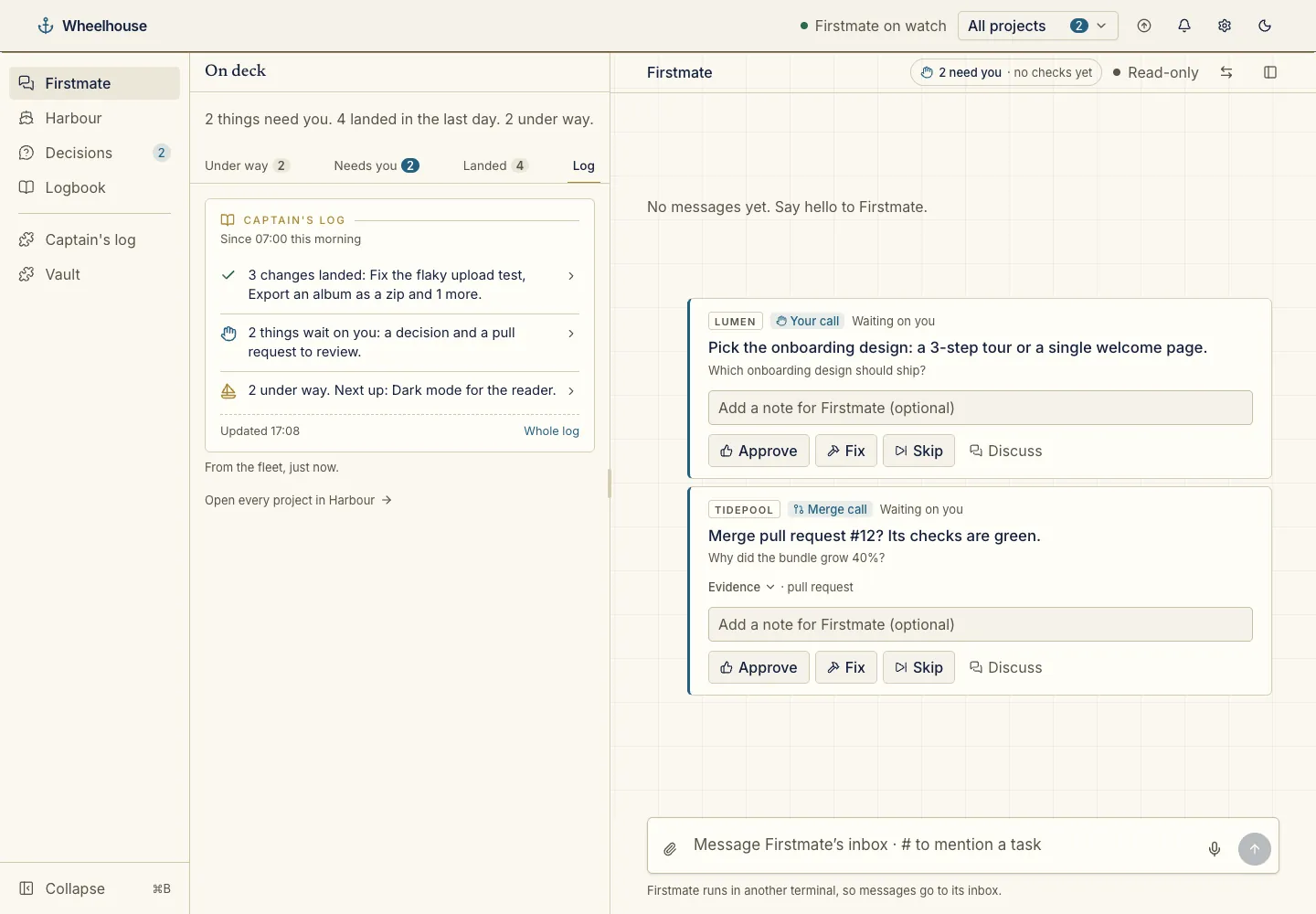 4 screenshots
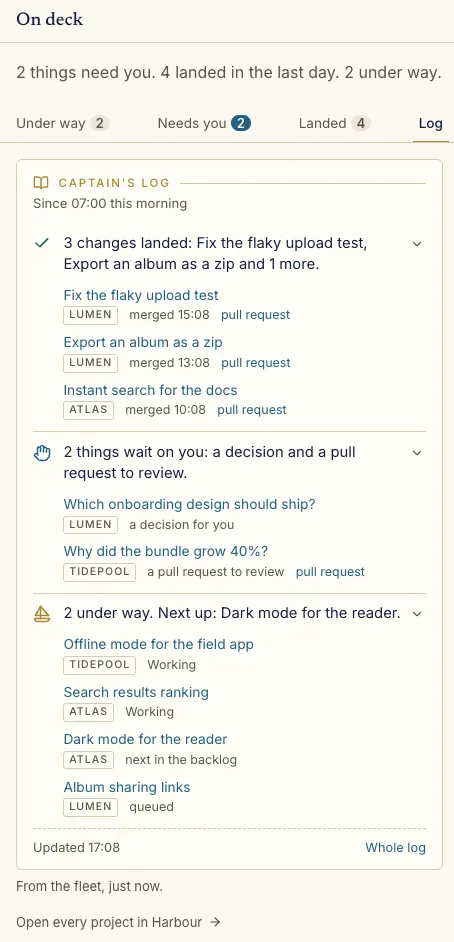
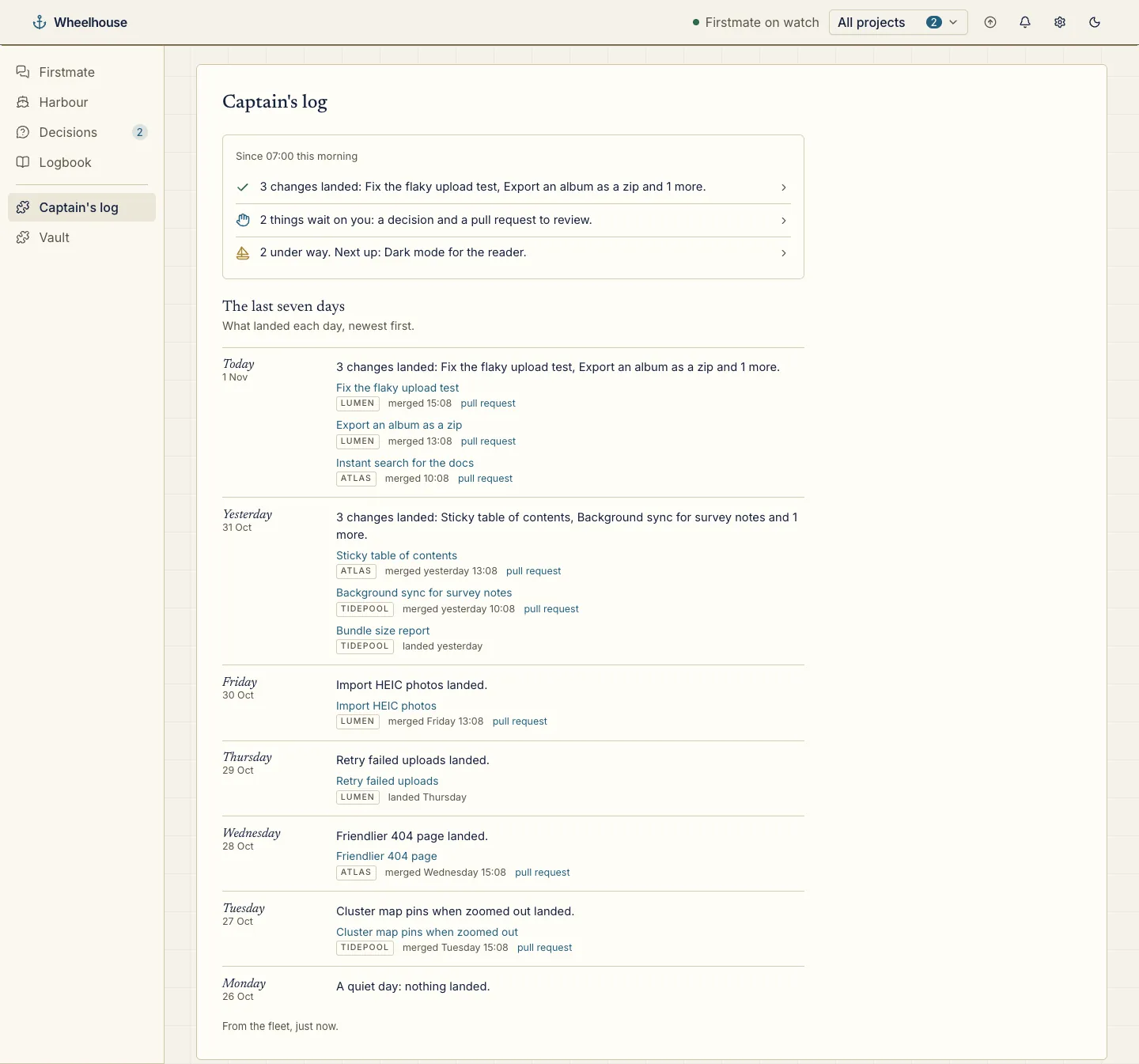
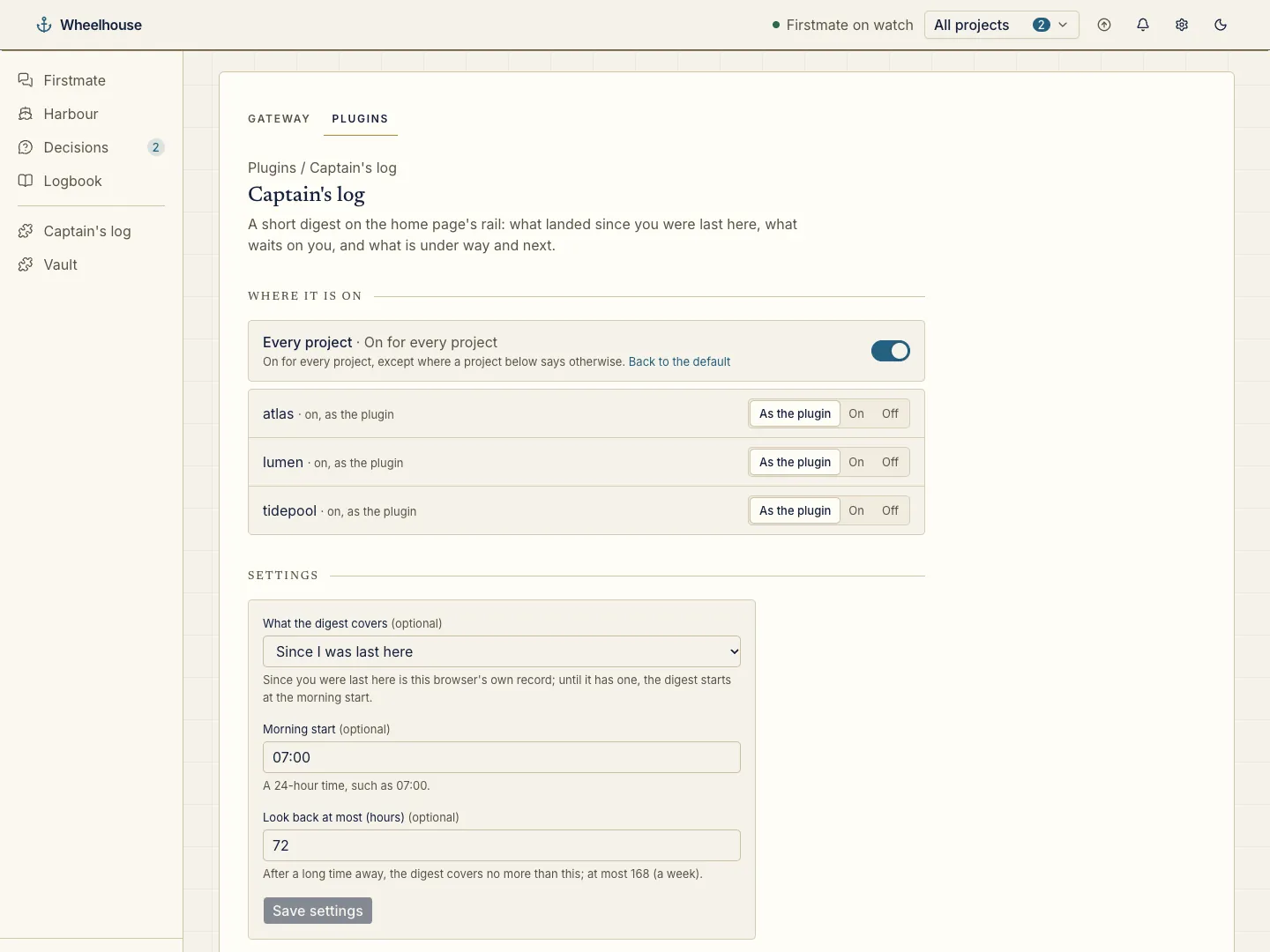
A short digest in three plain lines: what landed since you were last here, what waits on you, and what is under way and next.
A Log tab on the home rail and a Captain’s log page with the last seven days.
wheelhouse plugin install chrisjowen/captains-log-wheelhouse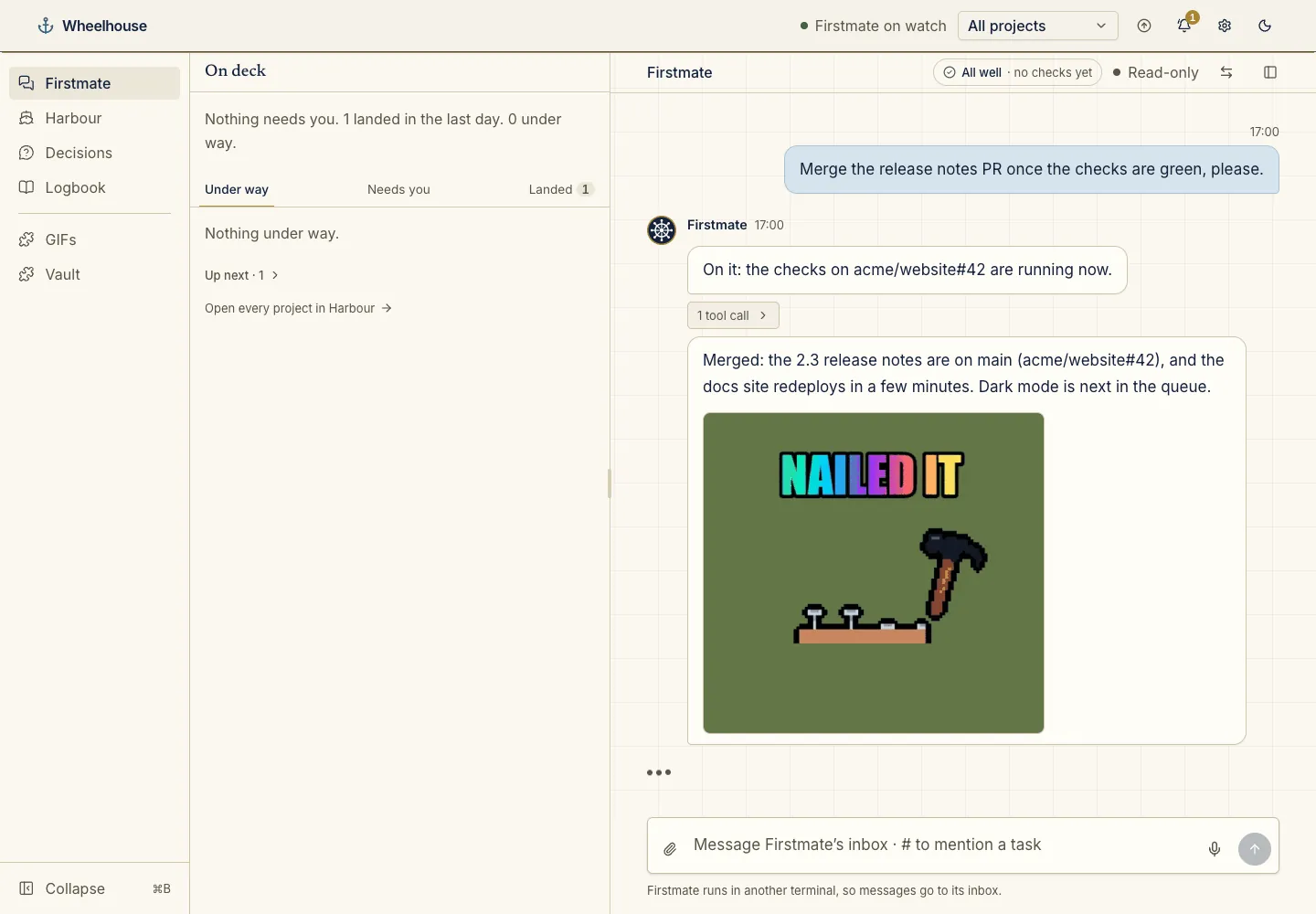 5 screenshots
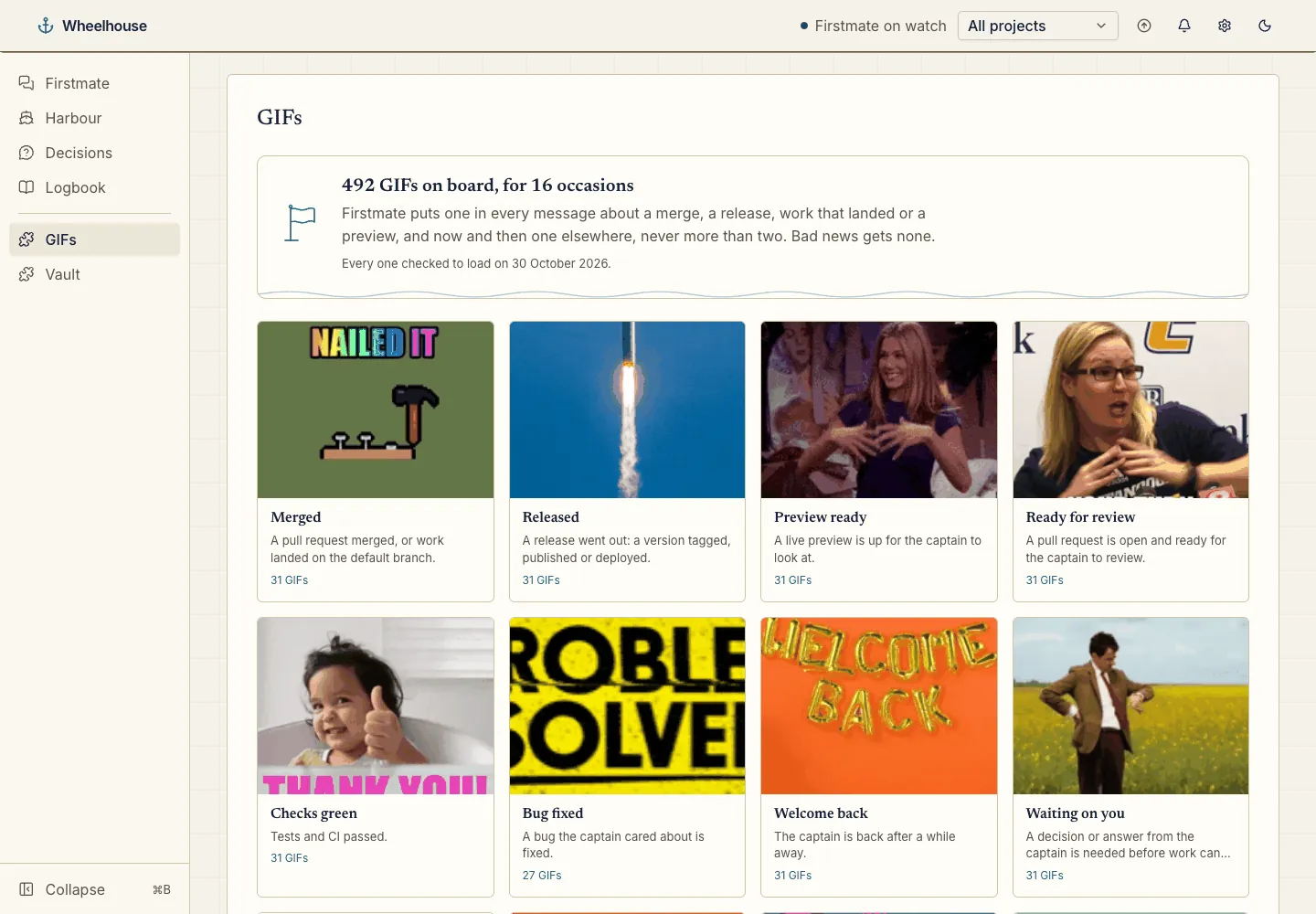
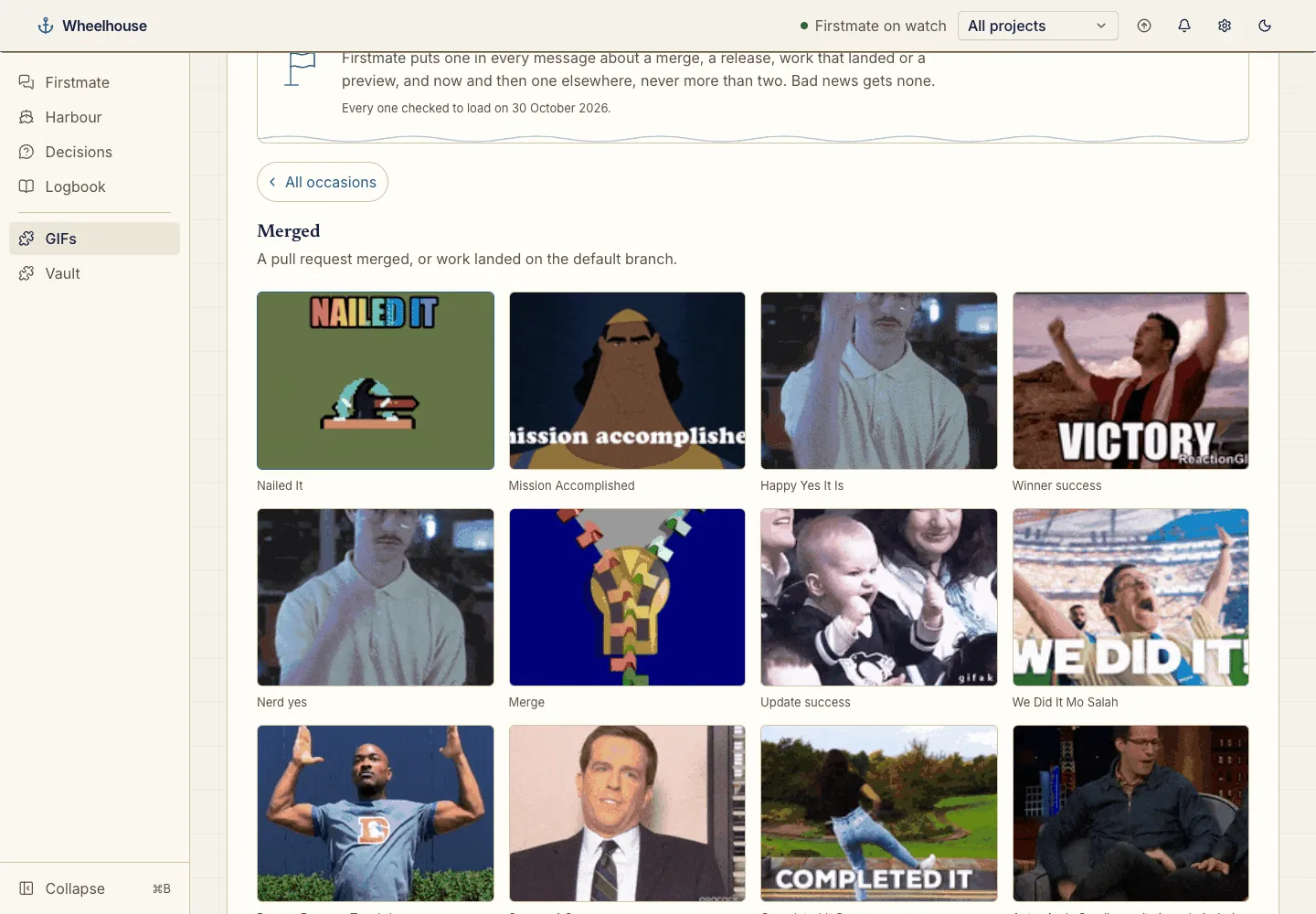
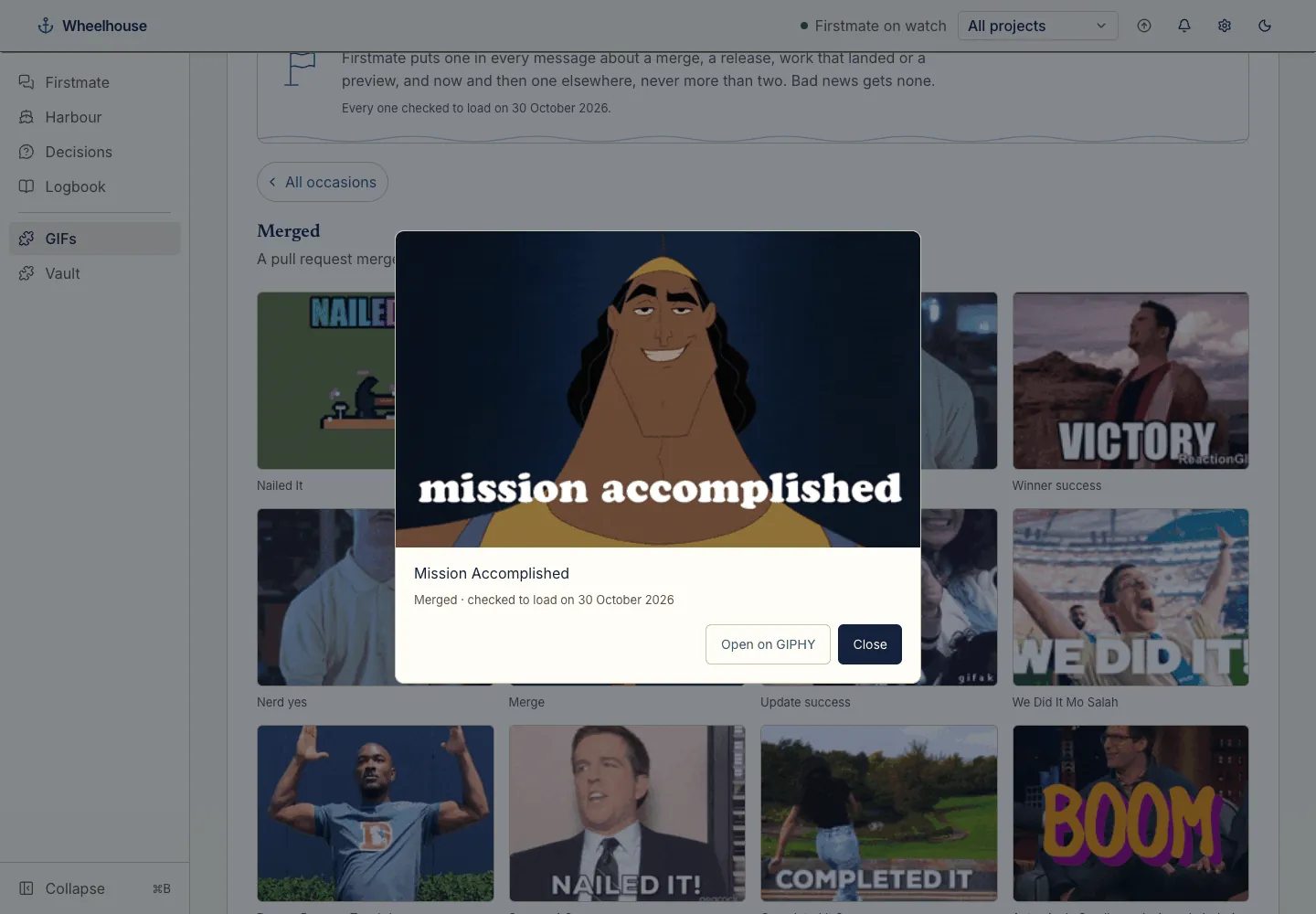
A pre-checked catalogue of 492 GIFs in 16 occasions. Firstmate puts one in good news like a merge or a release, and never in bad news.
A GIFs page in the menu and an MCP server for Firstmate. No API key, no live search.
wheelhouse plugin install chrisjowen/giffy-wheelhouseShare a live preview as a password-protected HTTPS link through your own k3s cluster.
Being built now. The repository holds only its README so far.
No release yet.
 2 screenshots
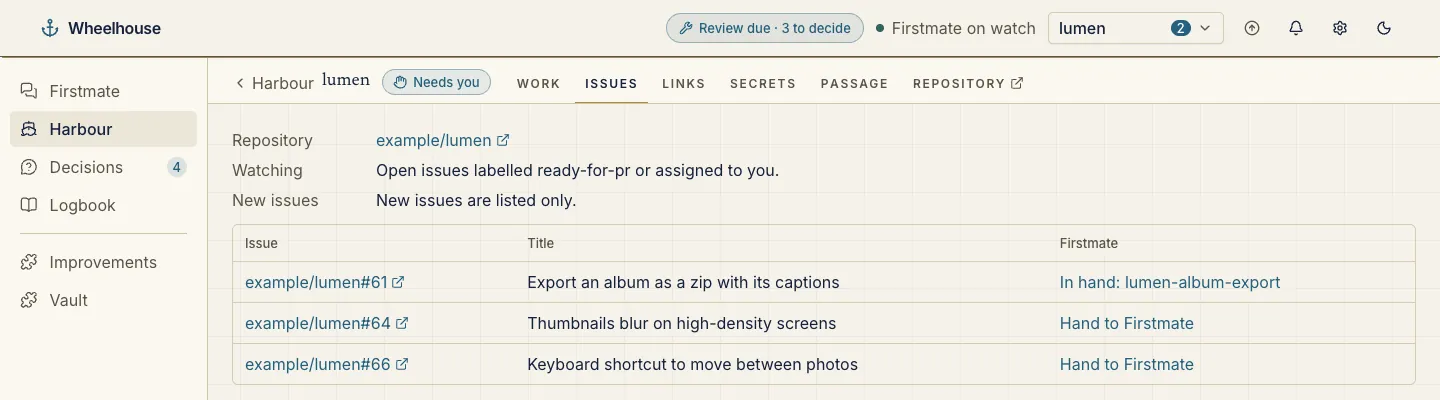
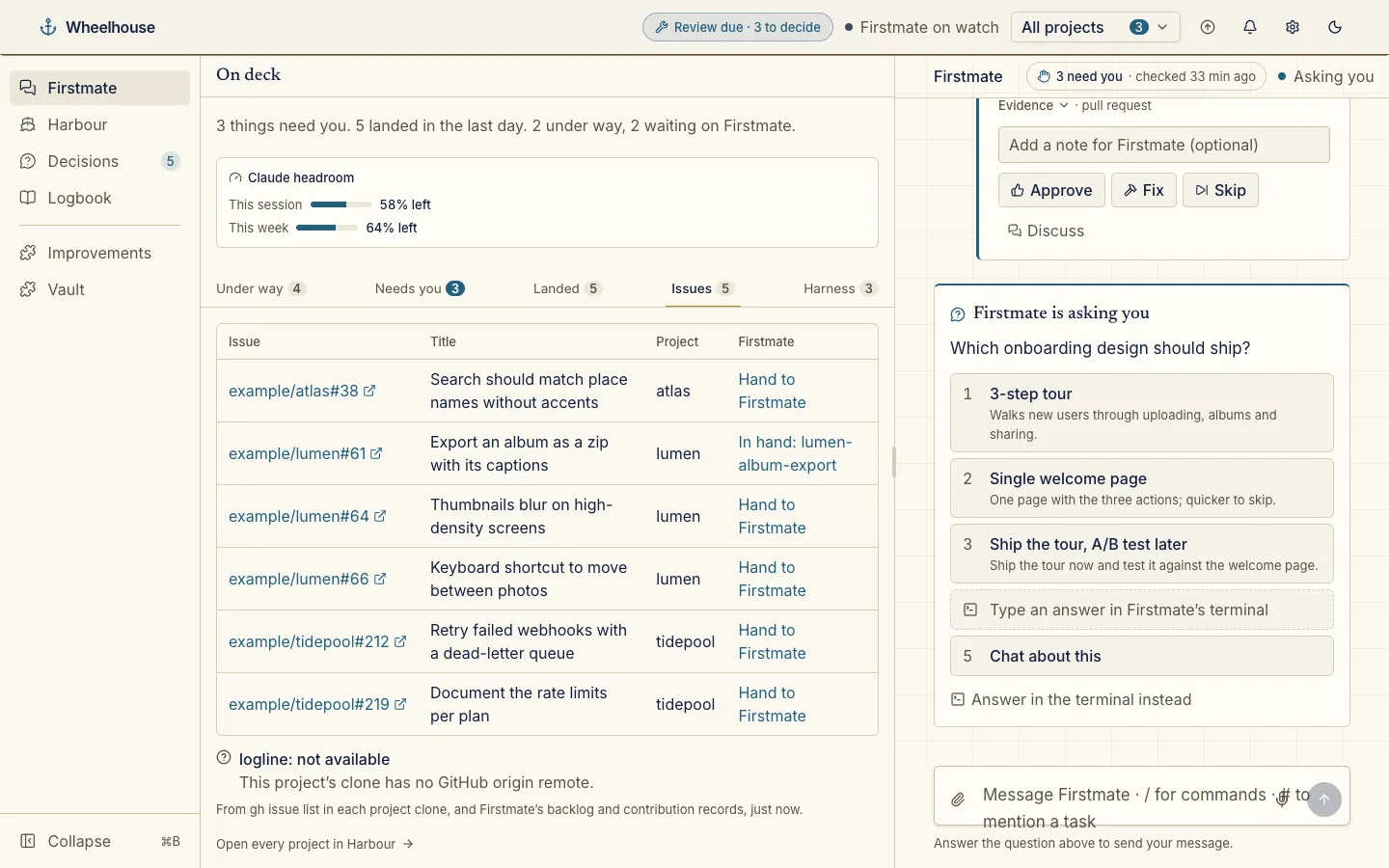
Lists each project’s open issues that match your watch rule, labelled ready-for-pr or assigned to you by default, and hands any of them to Firstmate.
An Issues tab on the home rail and on each project. Can ring the bell for new issues, or hand them over itself.
Nothing to install: turn it on in Settings → Plugins.
 2 screenshots
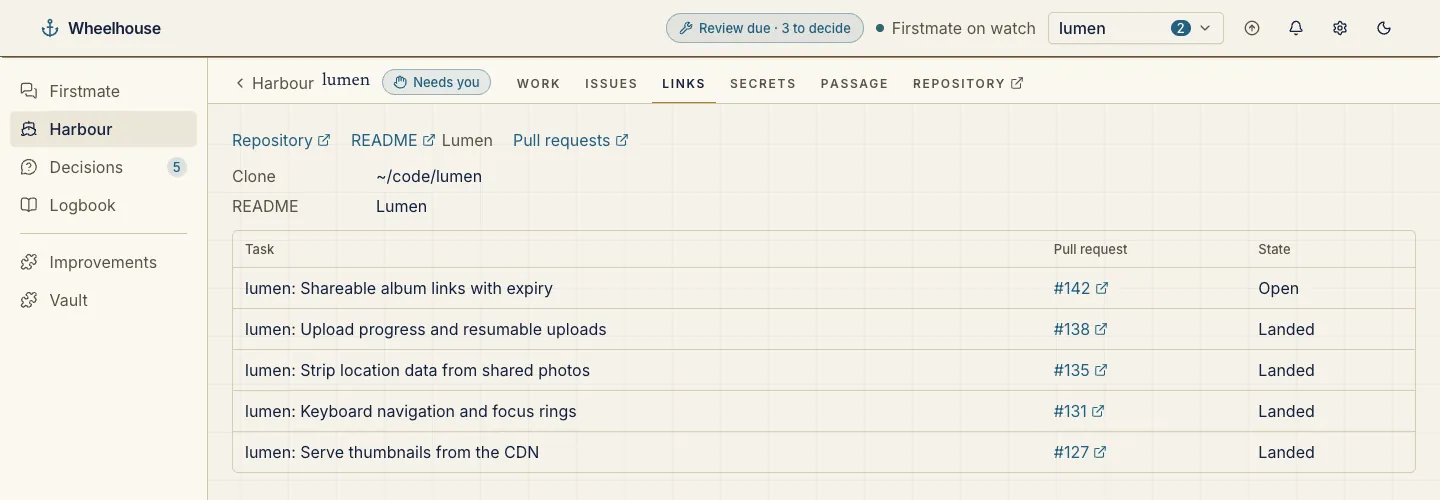
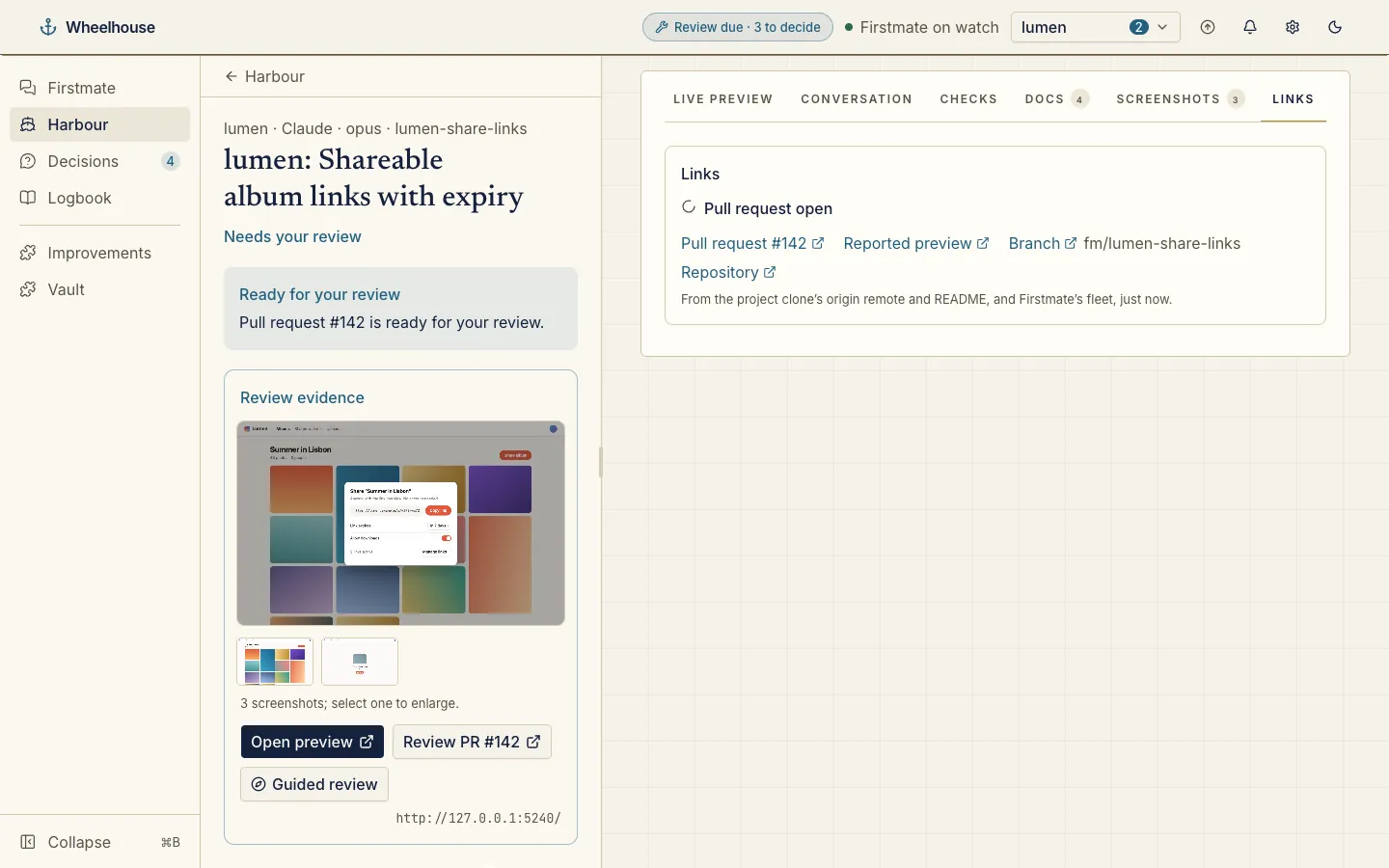
Links to a project’s repository, README and pull requests, and each task’s pull request, preview and branch.
A Links tab on projects and tasks, a Harbour card and evidence under the Pull request step.
Nothing to install: turn it on in Settings → Plugins.
2 screenshotsWhat wh-vault holds, by name only: every secret, the projects it is granted to, when it was set and last used.
A Vault page to add, grant and revoke, a Secrets tab on projects and a Secrets used tab on tasks.
Nothing to install: it is on from the start.
Plugins are panels and providers: a provider reads on the server through a read-only context, and its output fills one of eight fixed slots.
project.taba tab on each projectharbour.carda card on a project’s worktask.sectiona section on a task pagestep.evidenceevidence under a passage stepbridge.carda card under a chat replyhome.carda tab on the home railheader.indicatora pill in the headernav.pagea page in the menuThree commands from nothing to your first conversation with the crew.
Wheelhouse is a window onto a Firstmate home, so you need one first.
git clone https://github.com/kunchenguid/firstmate.gitFrom npm. Run the same command again to update.
npm install -g @chrisjowen/wheelhouseWheelhouse opens in your browser at the local address it prints.
cd firstmate && wheelhouse opentmux and Claude Code on your PATHwheelhouse open --help lists them, such as a different Firstmate home or port.
Published to npm as @chrisjowen/wheelhouse. A clone shows an arrow in its header when GitHub has a newer version, and upgrades on a click.